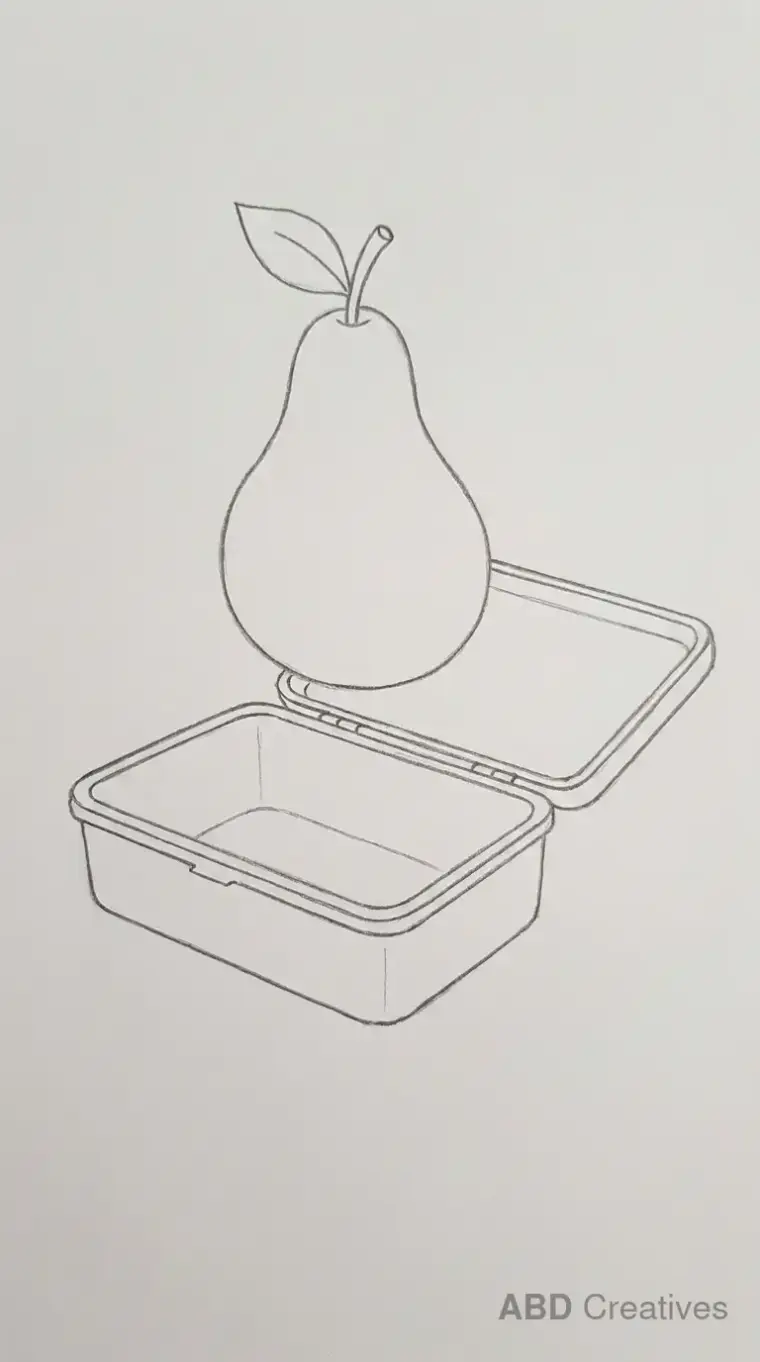
Pear Drawing Ideas
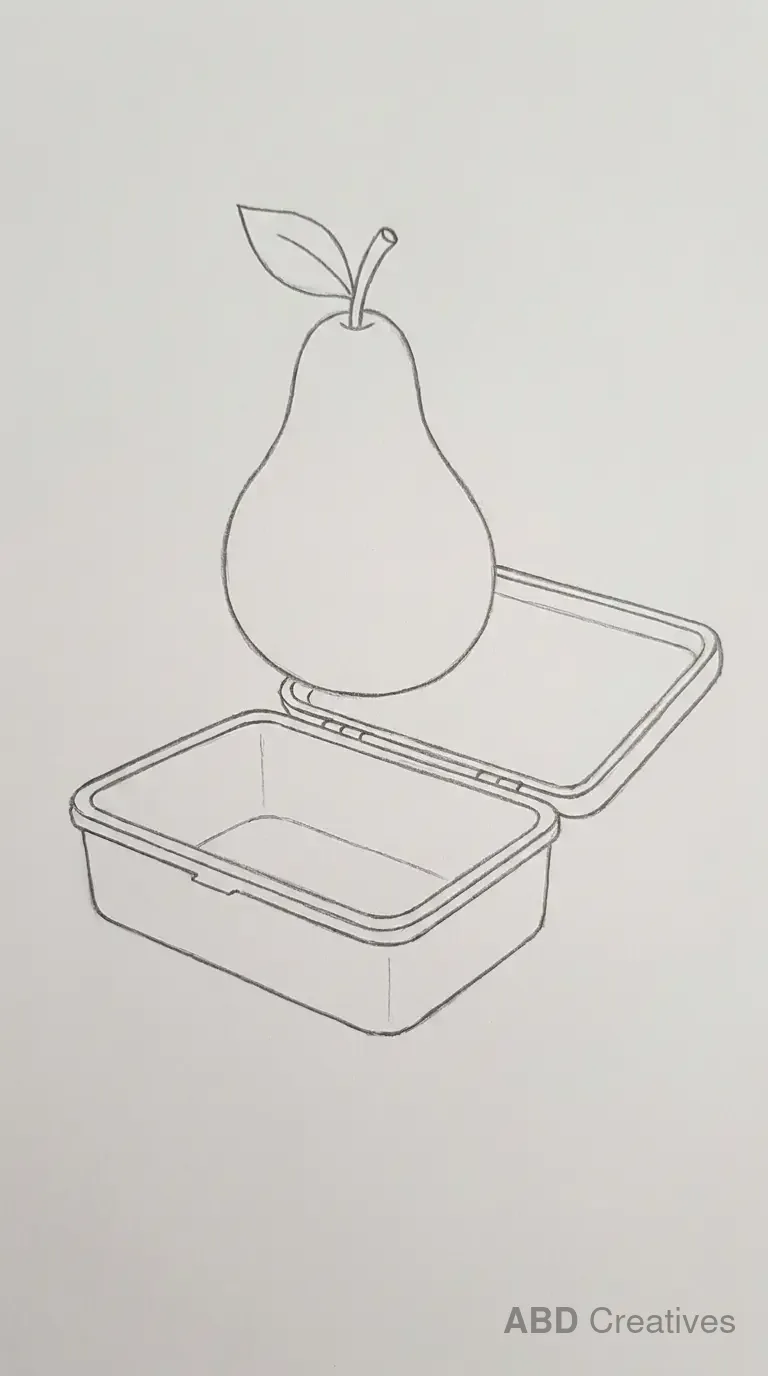
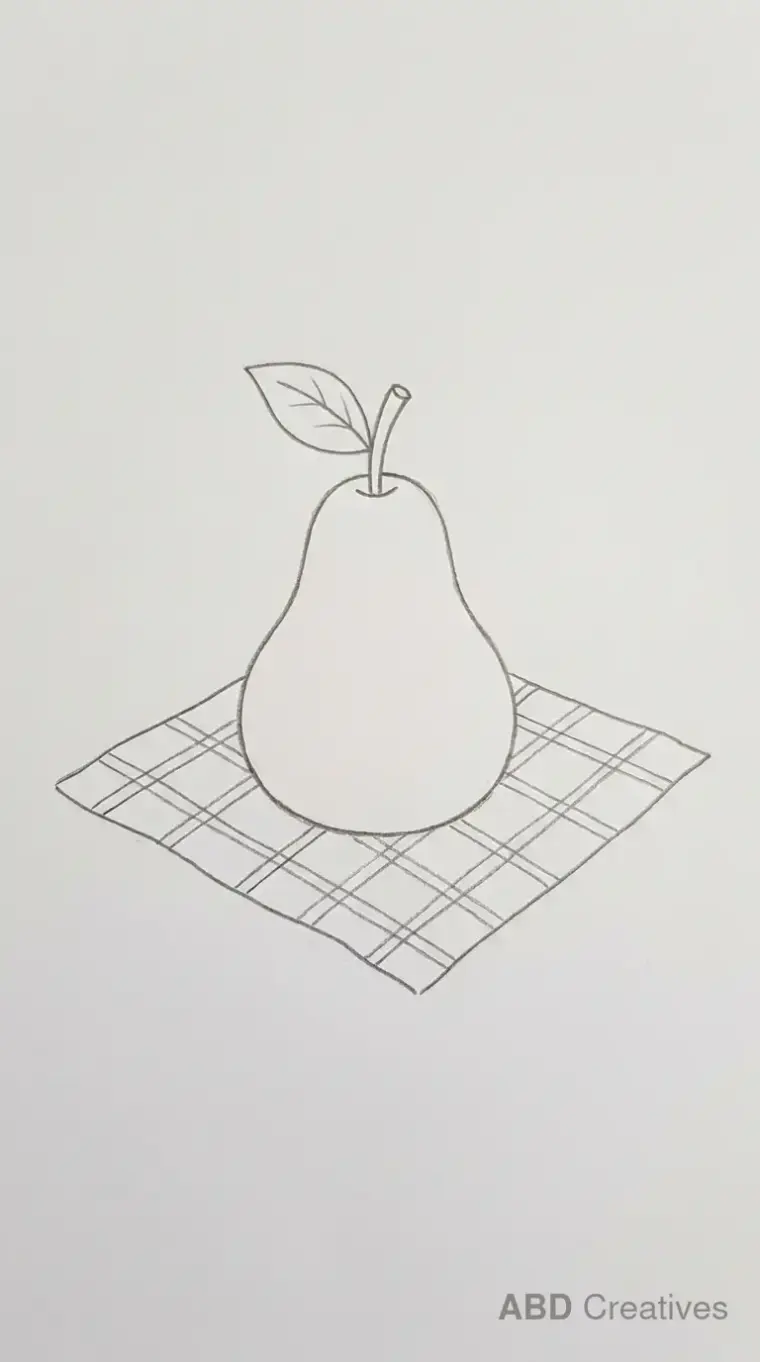
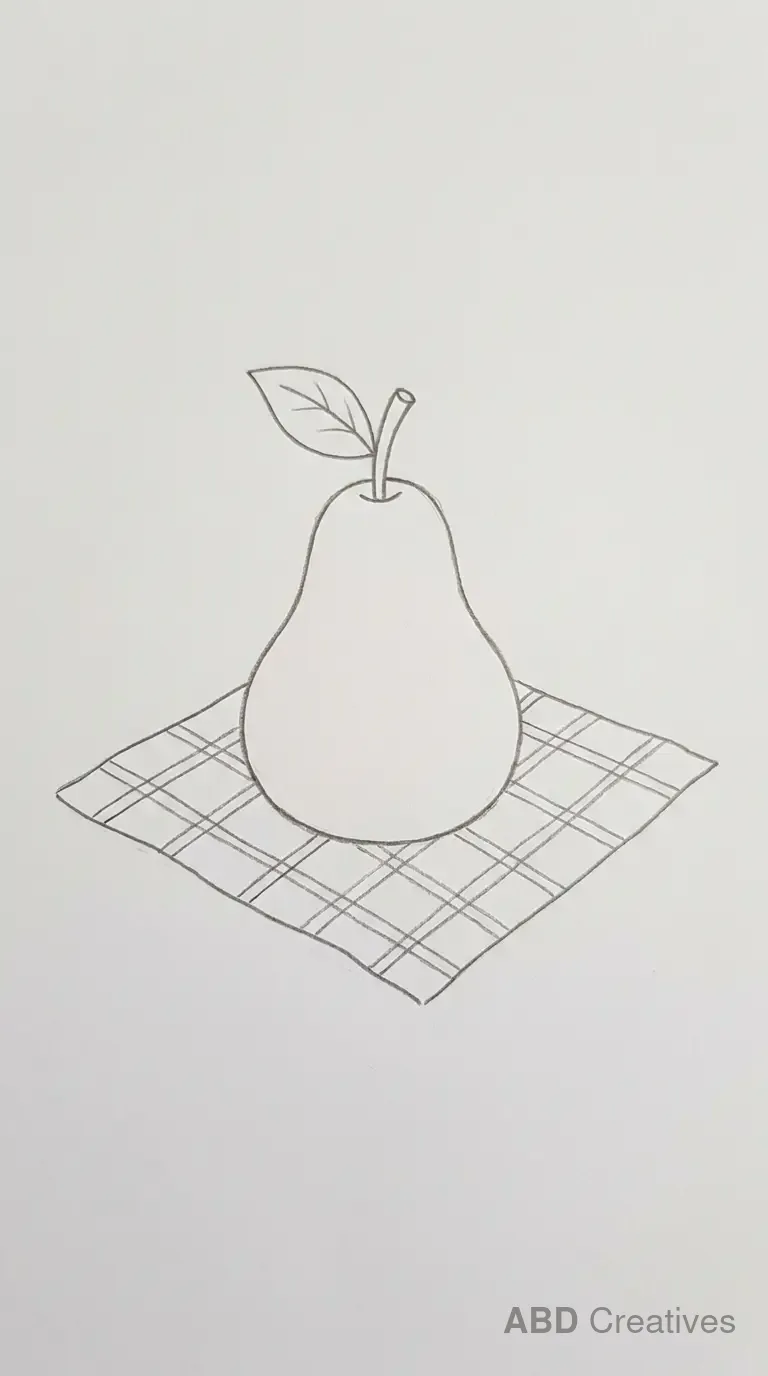
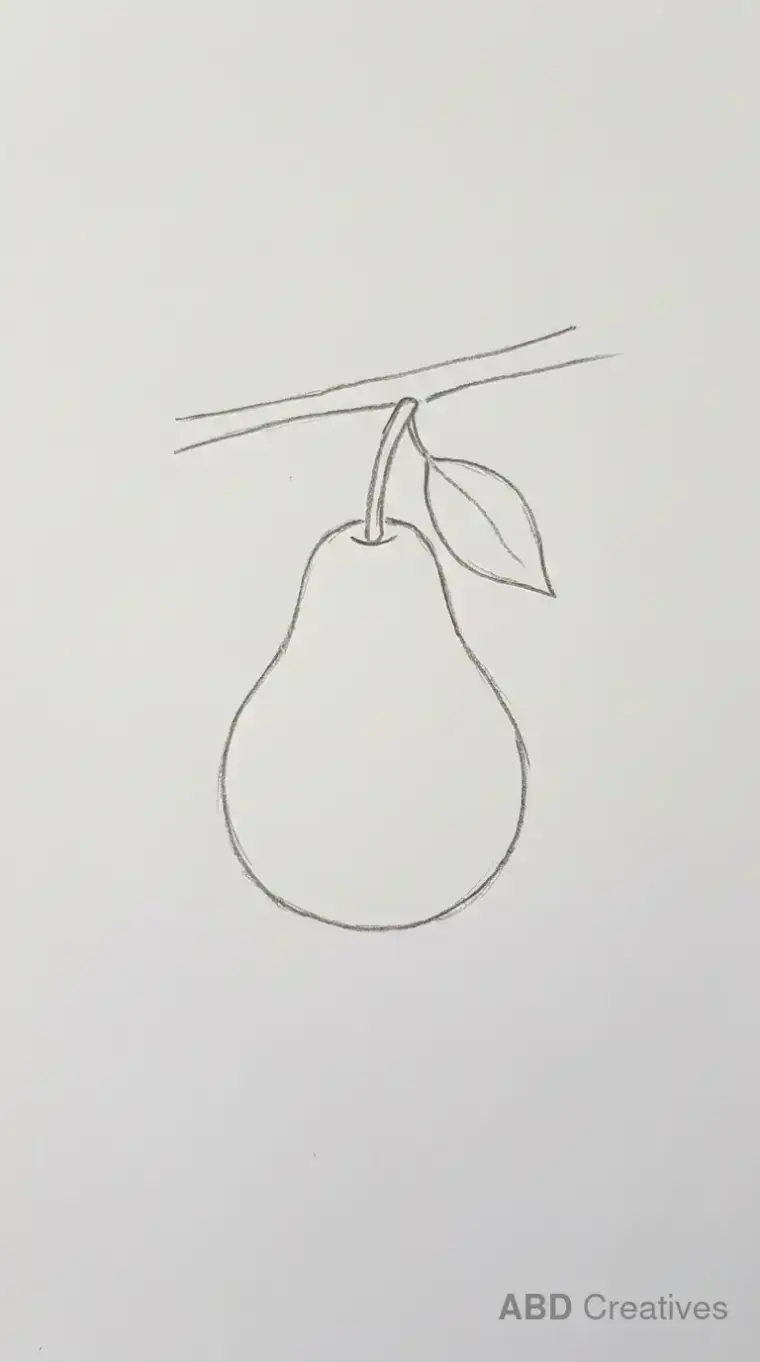
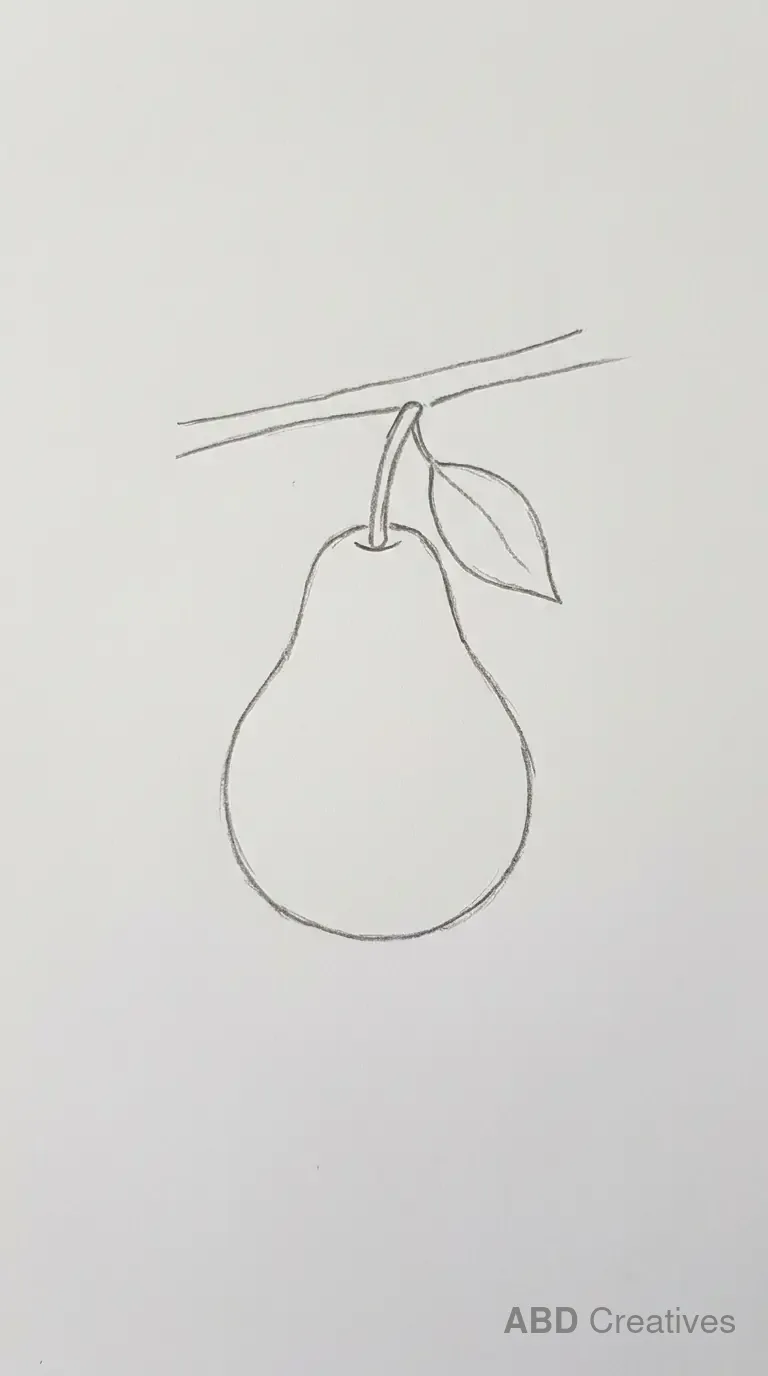
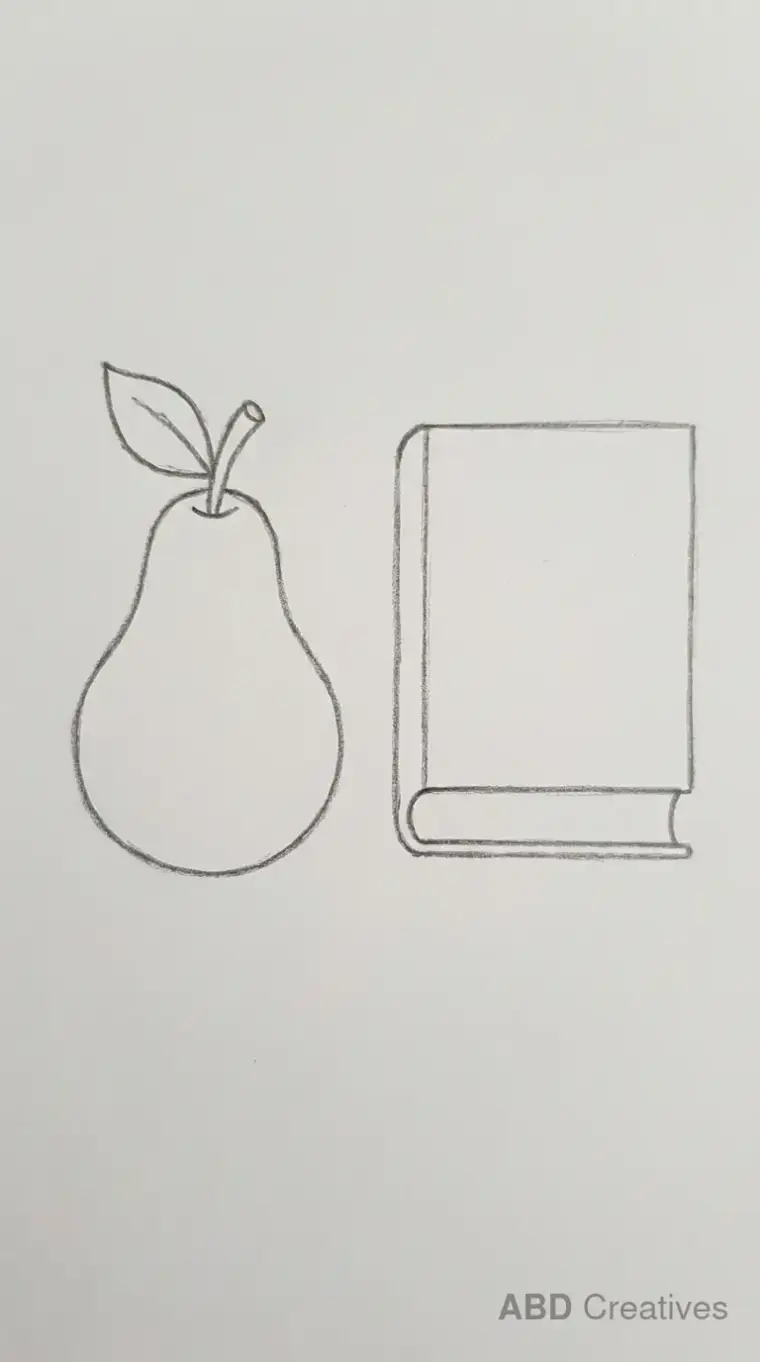
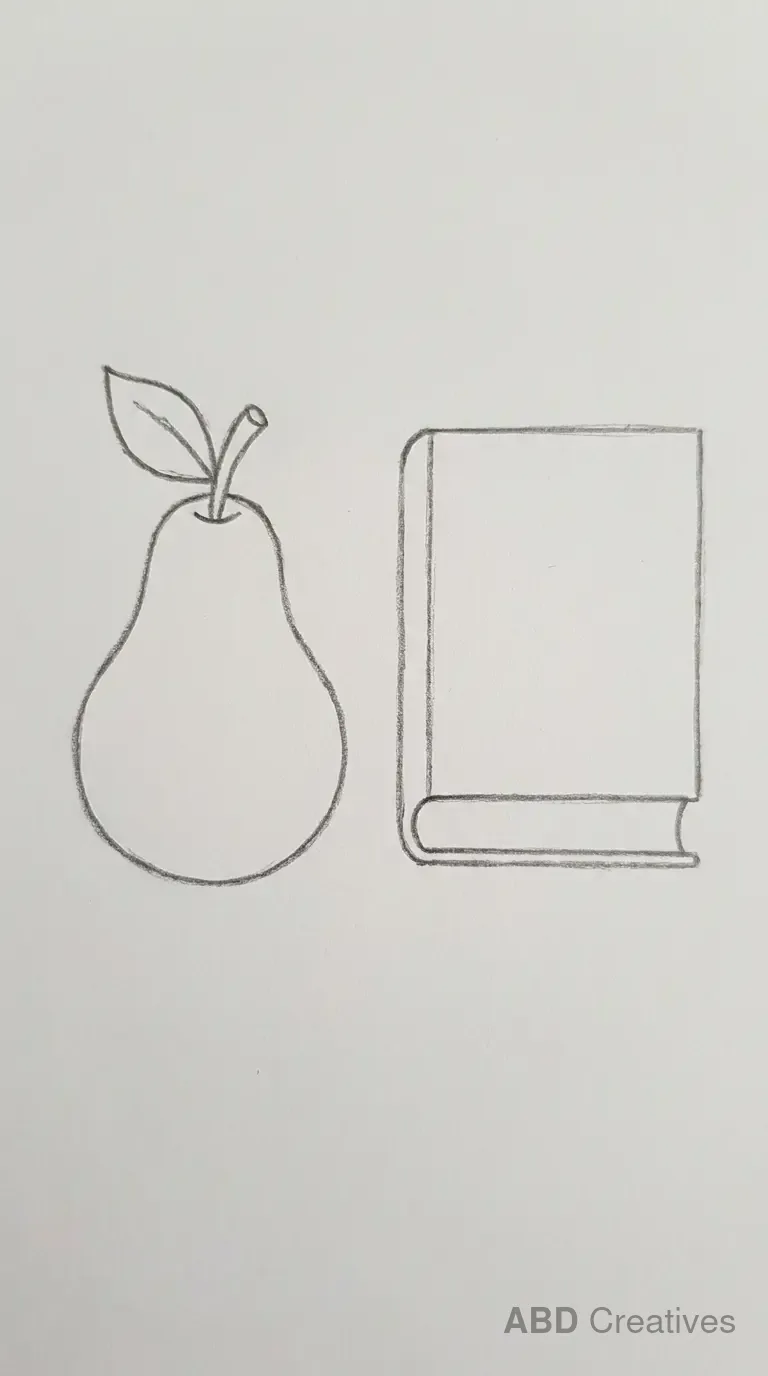
Twenty pear drawings you can copy straight onto paper, from a plain pear to a pear hanging from a branch. Every one is a clean pencil outline drawn by hand, with no shading and no colour. Pick one, keep it next to you, and copy it line by line.
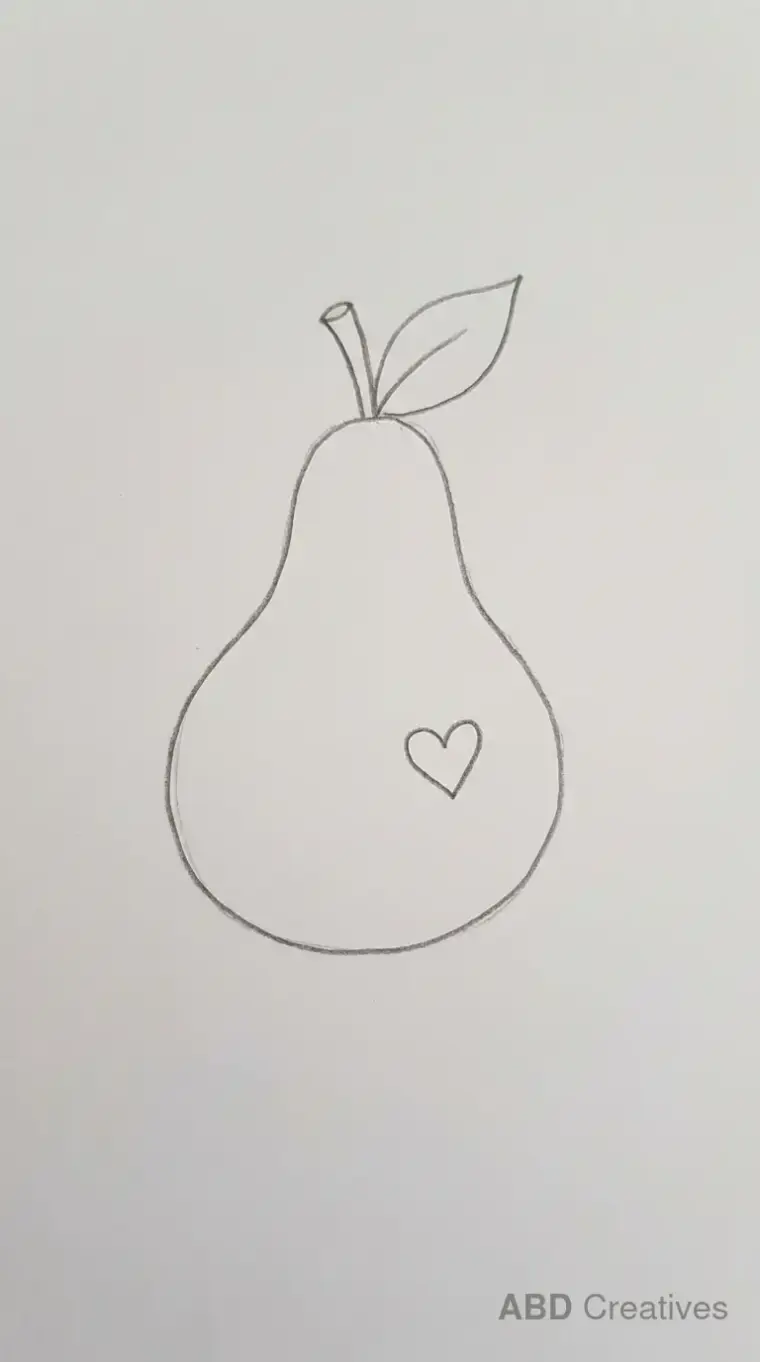
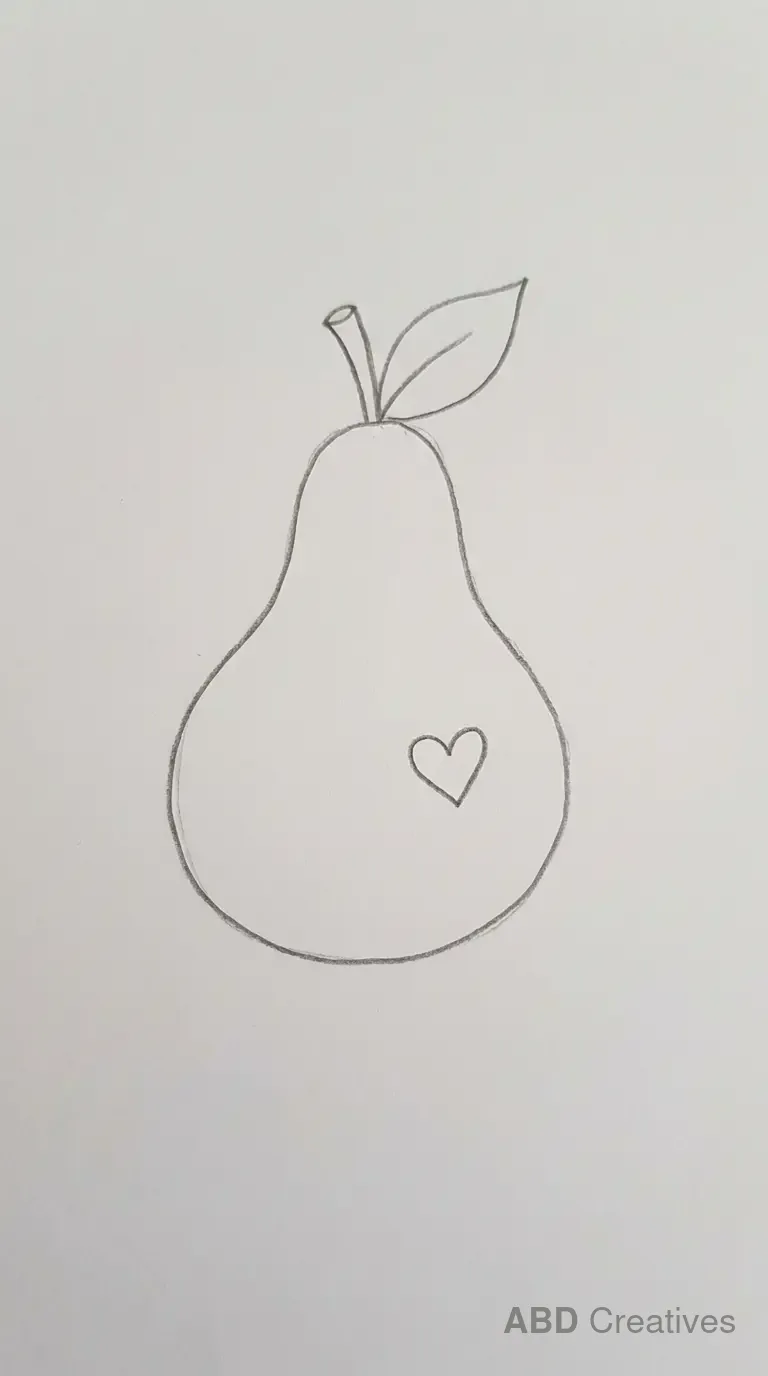
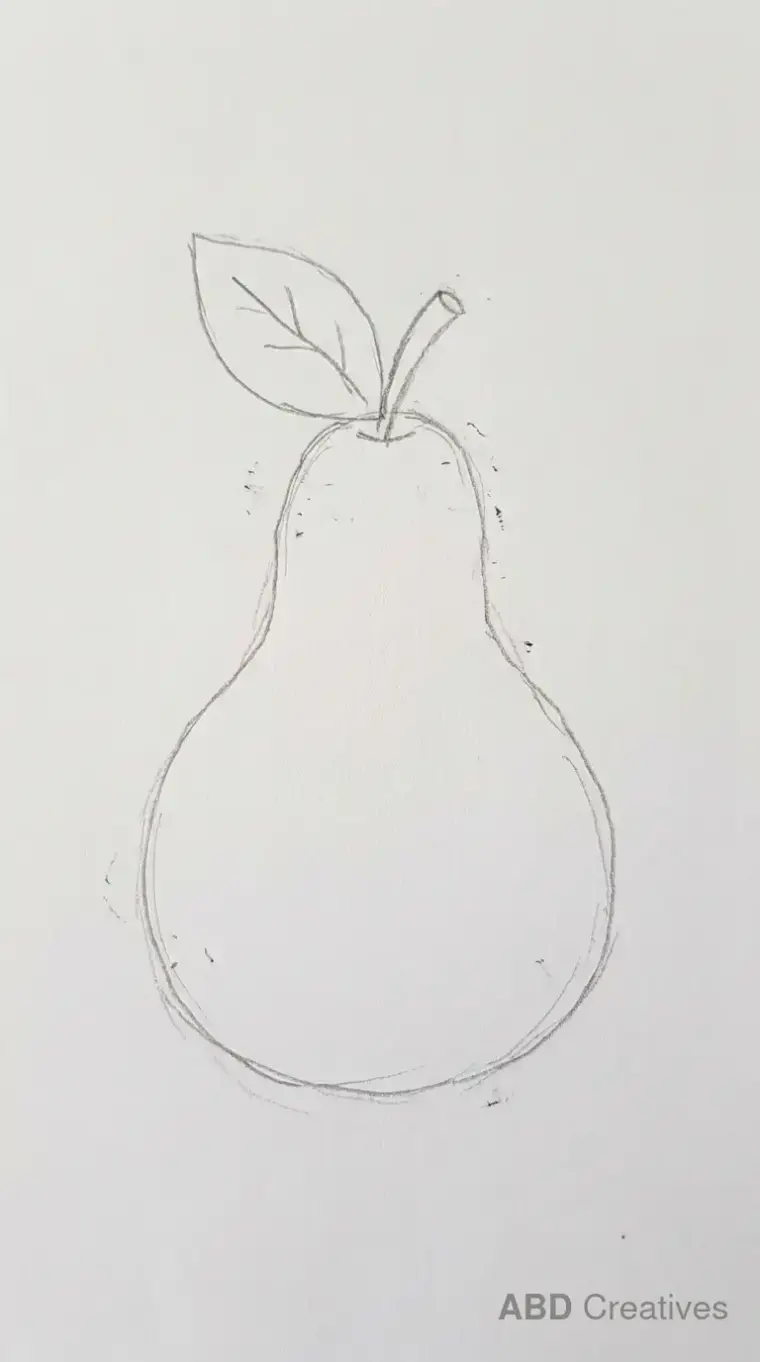
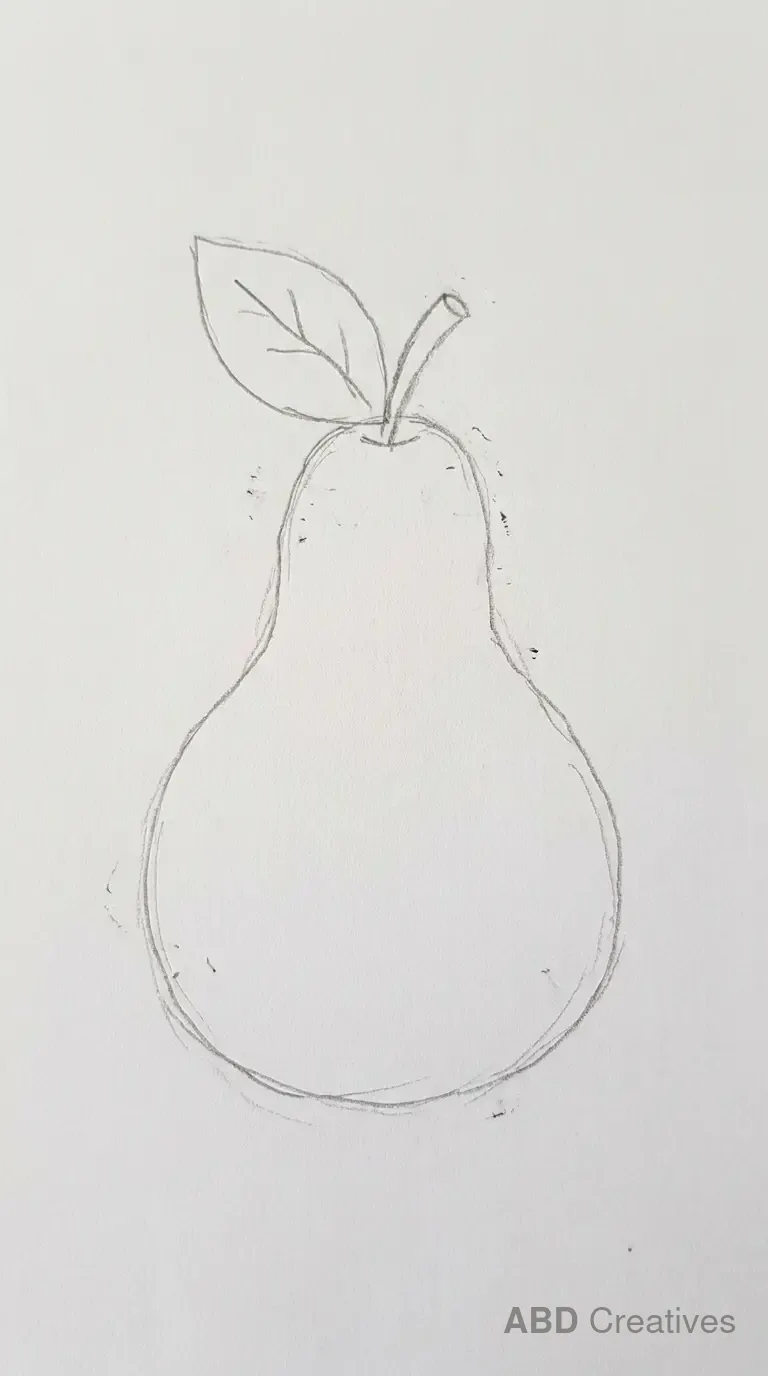
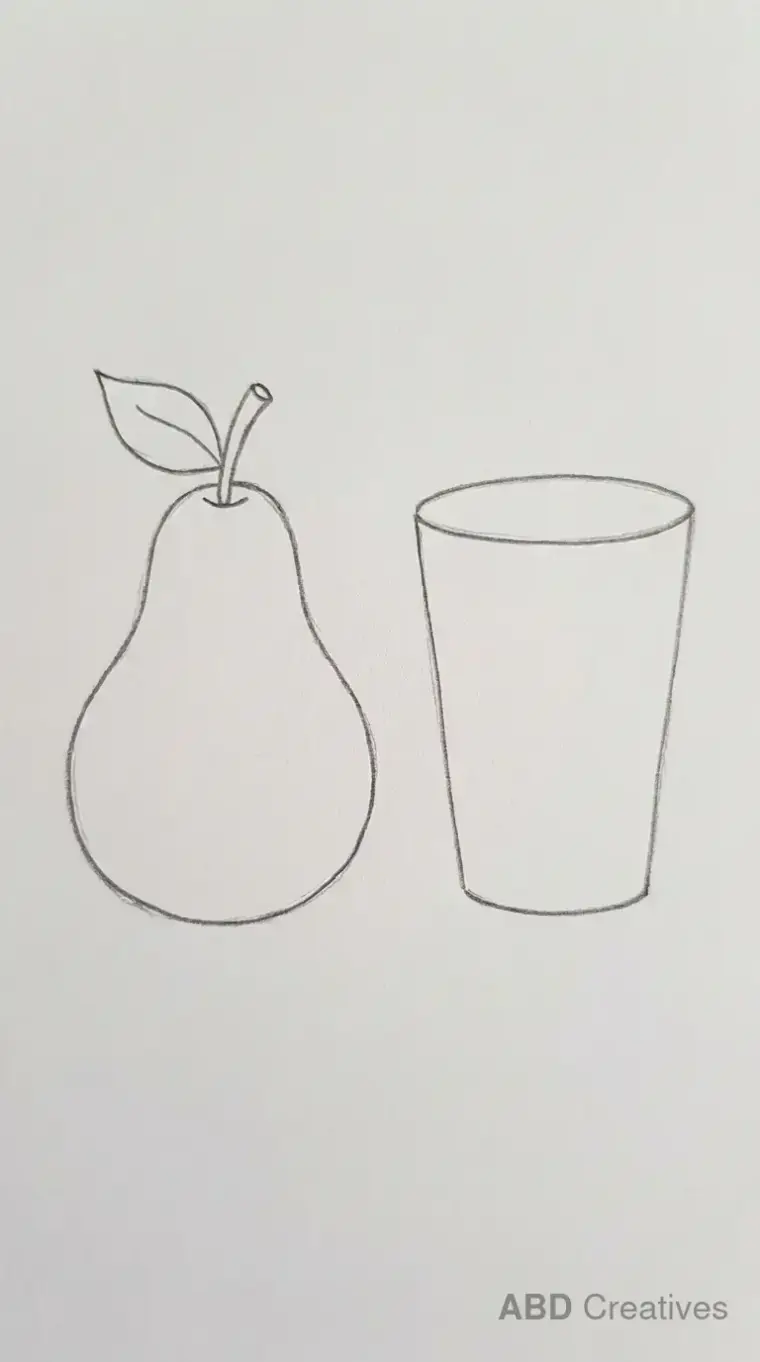
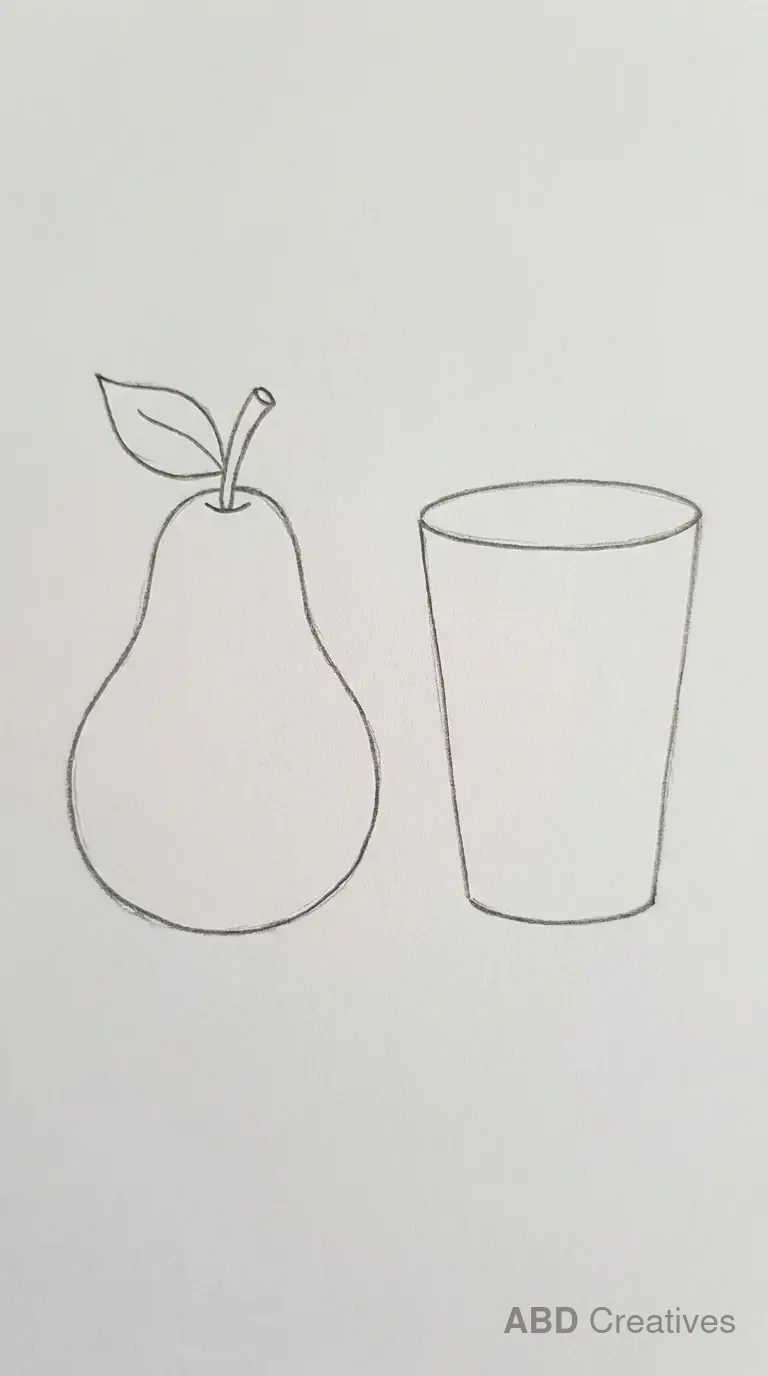
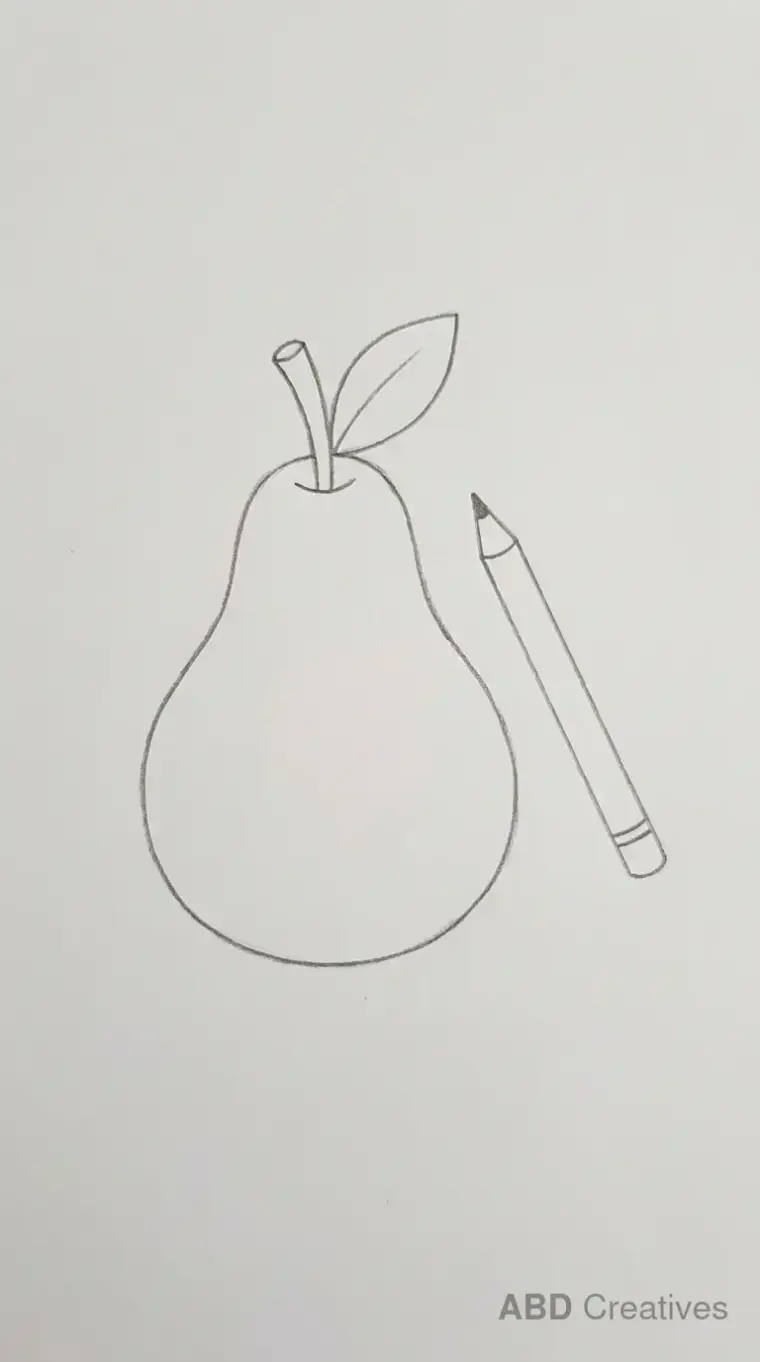
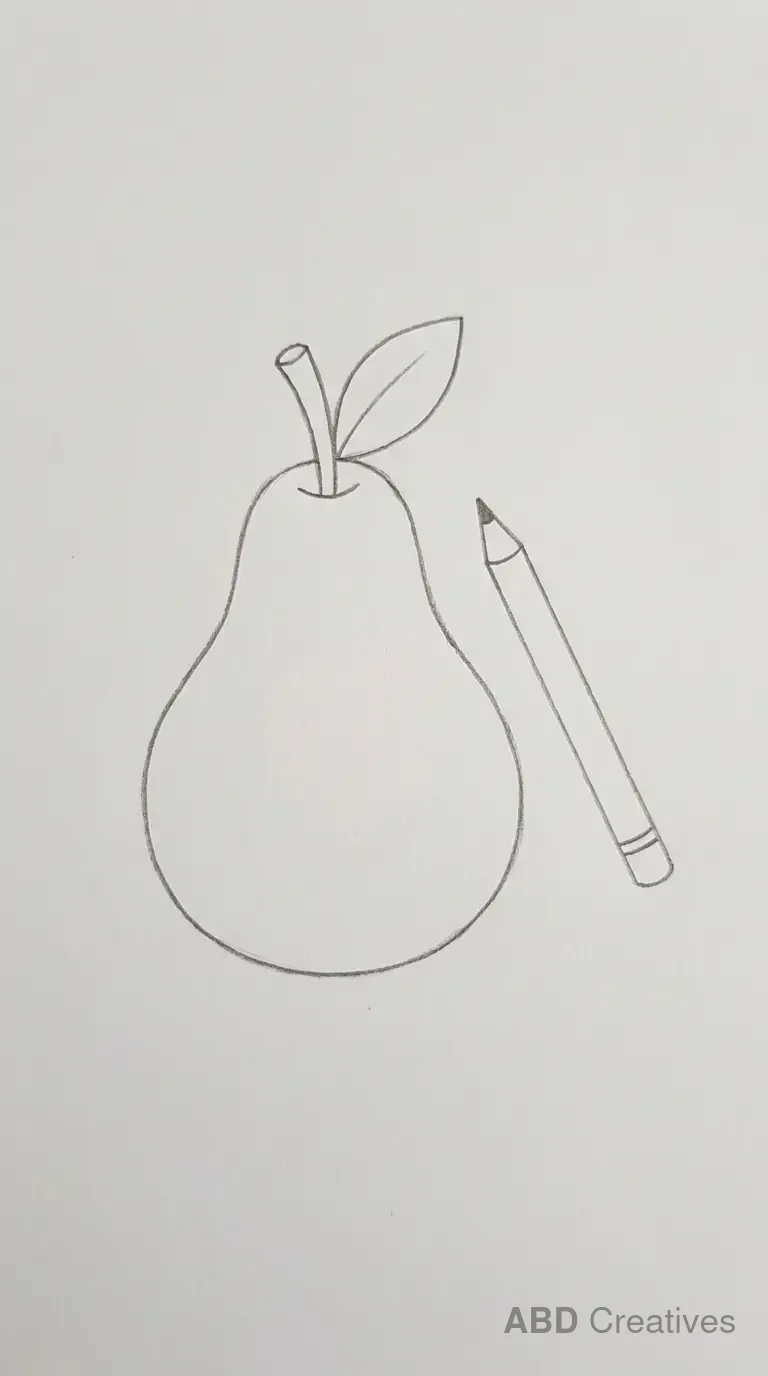
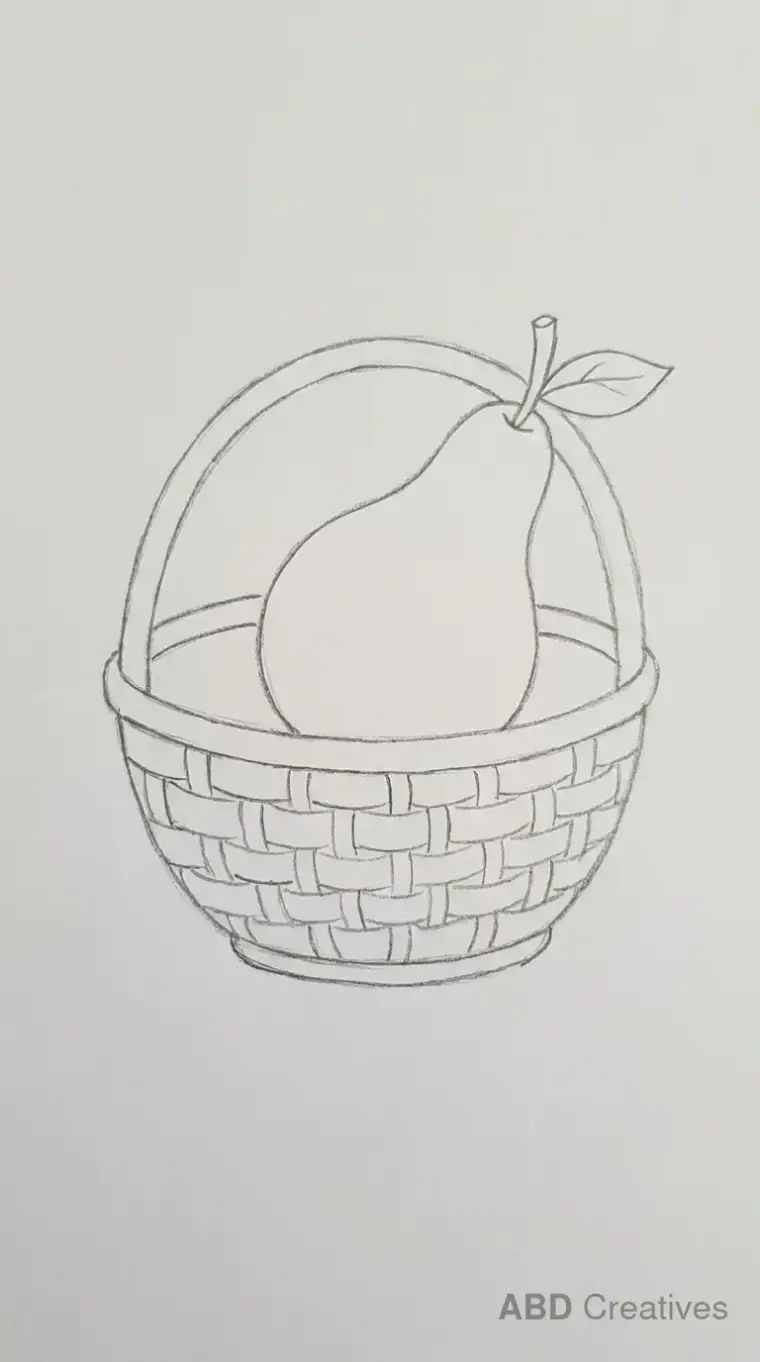
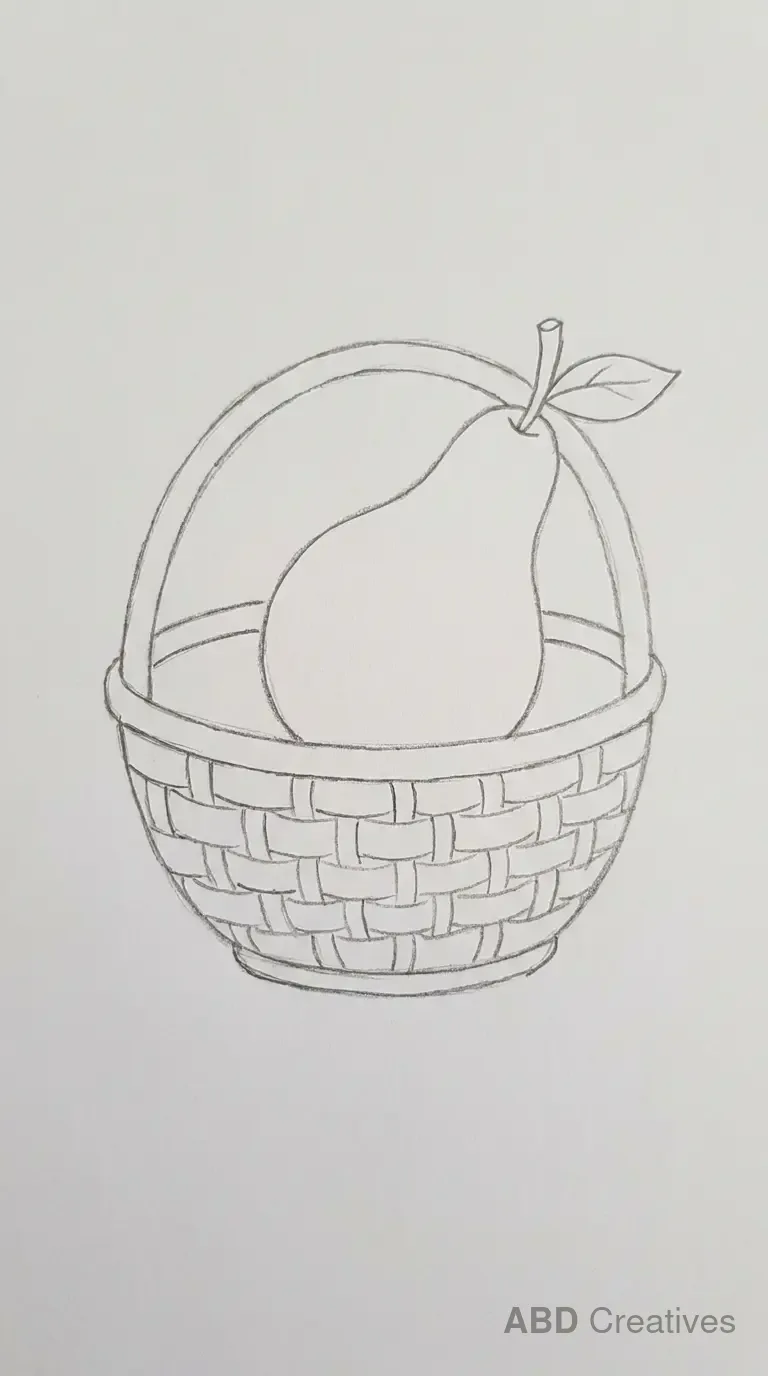
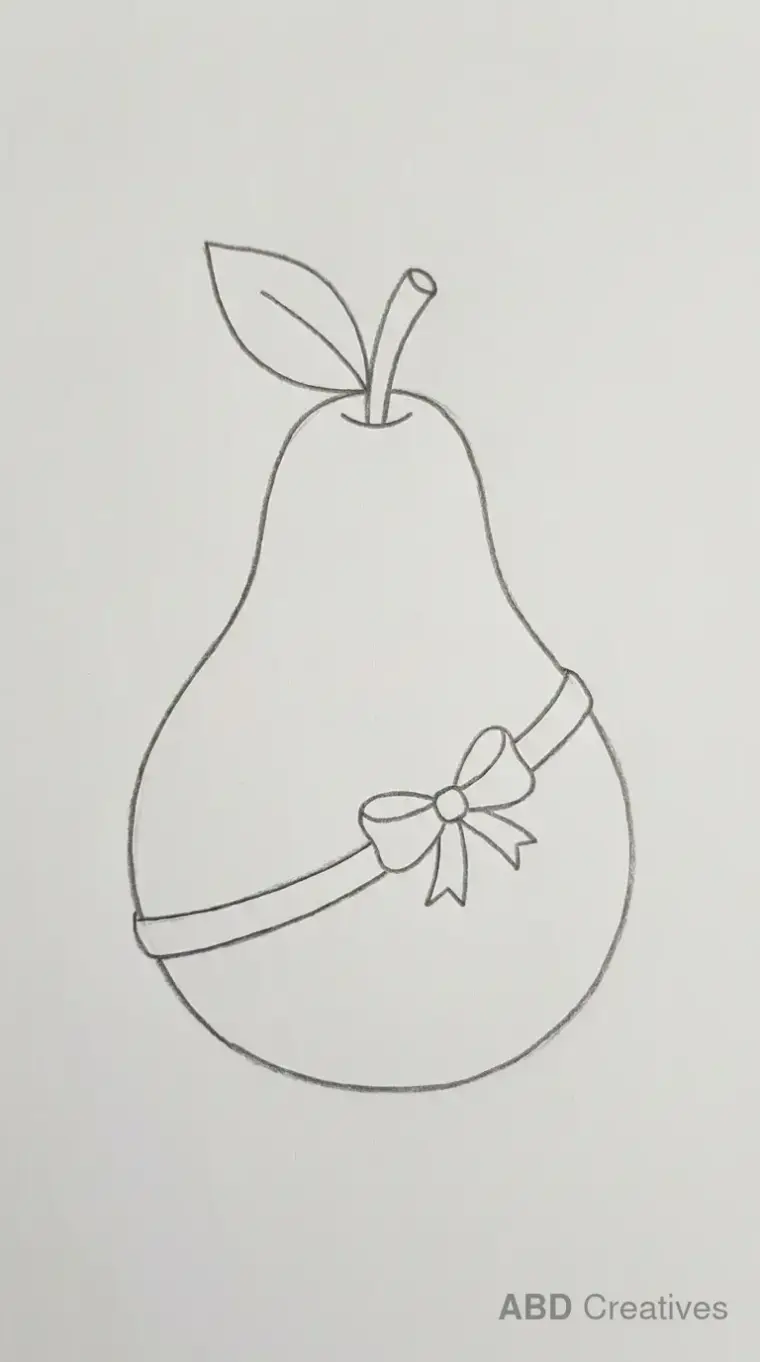
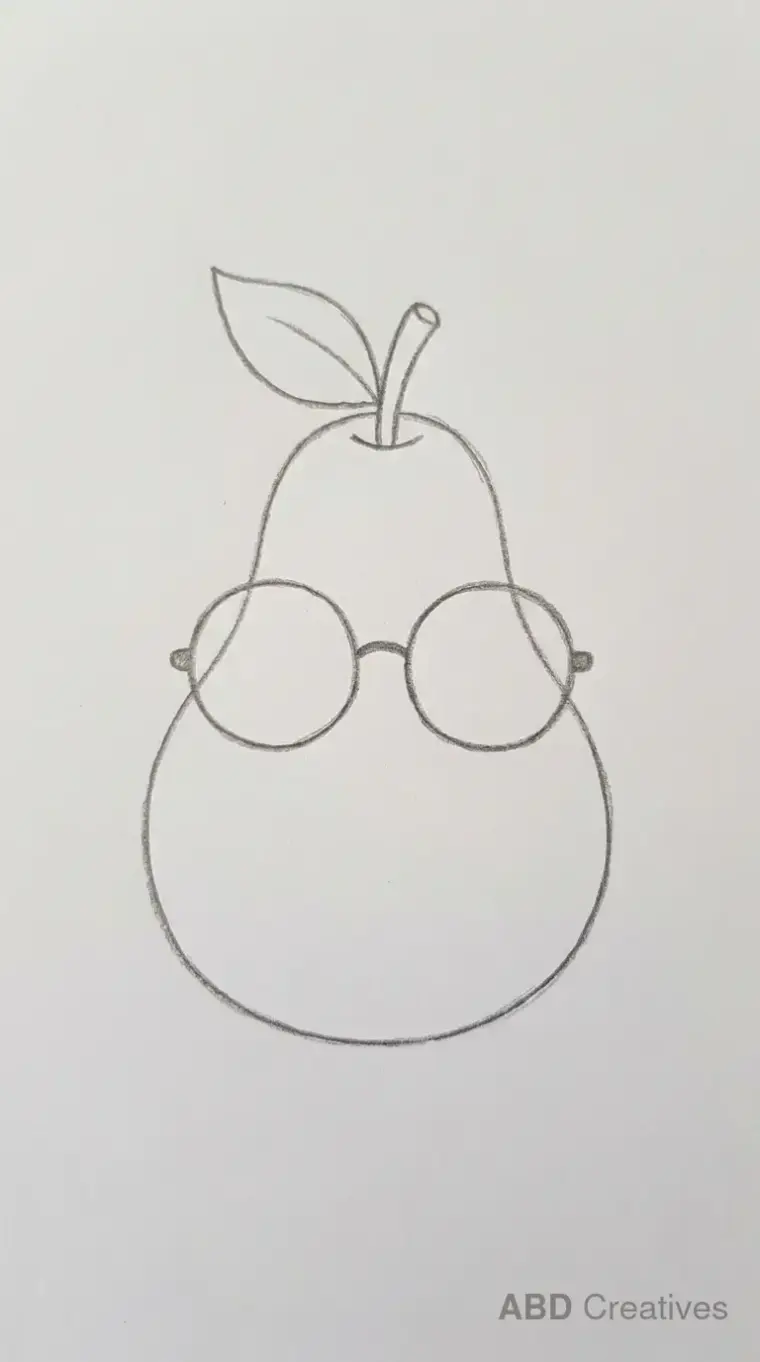
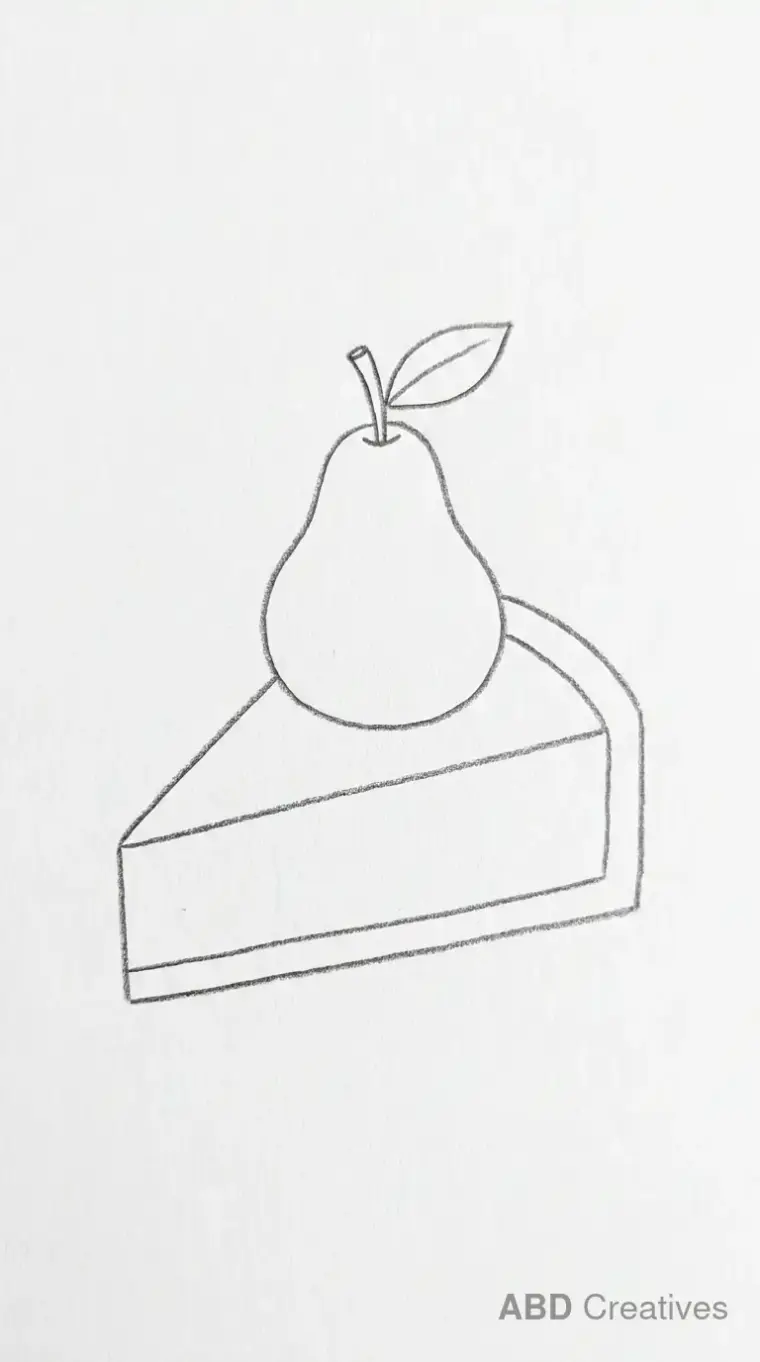
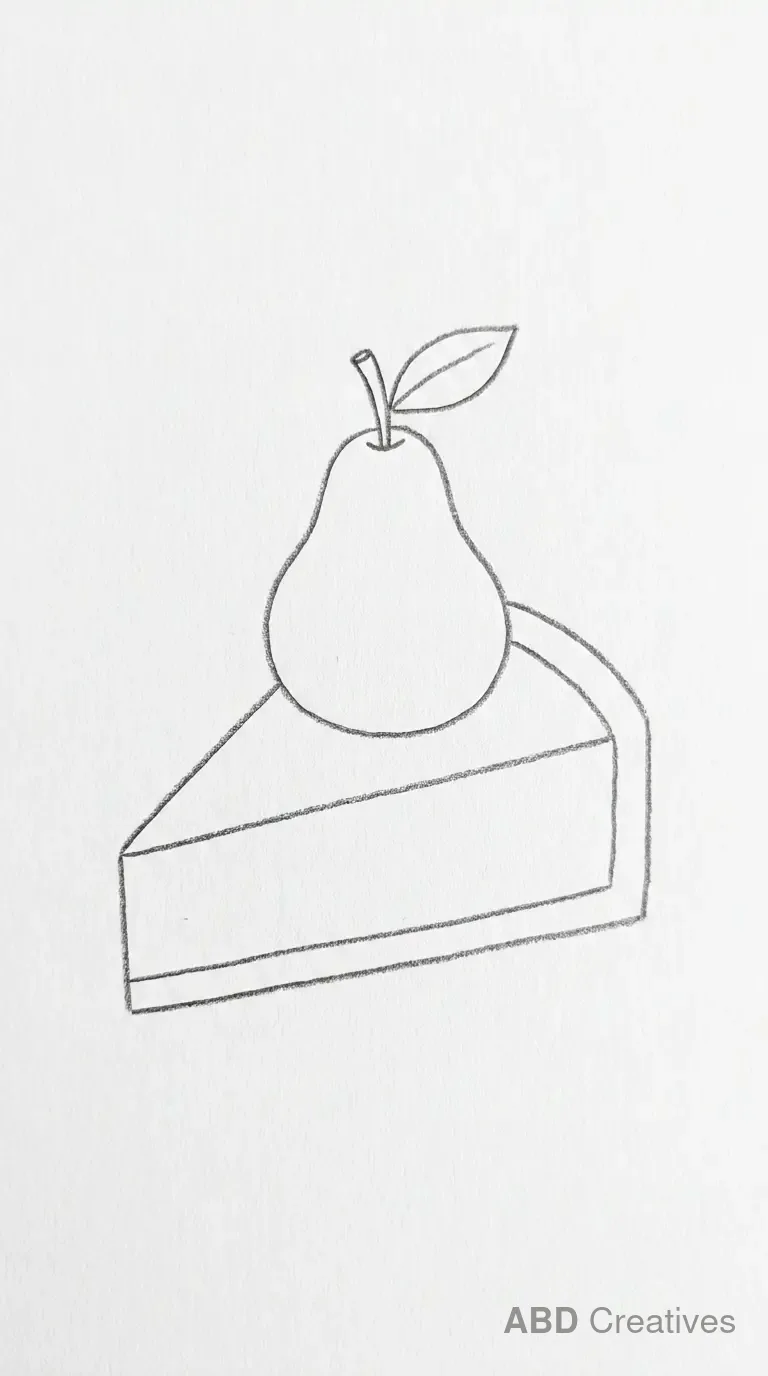
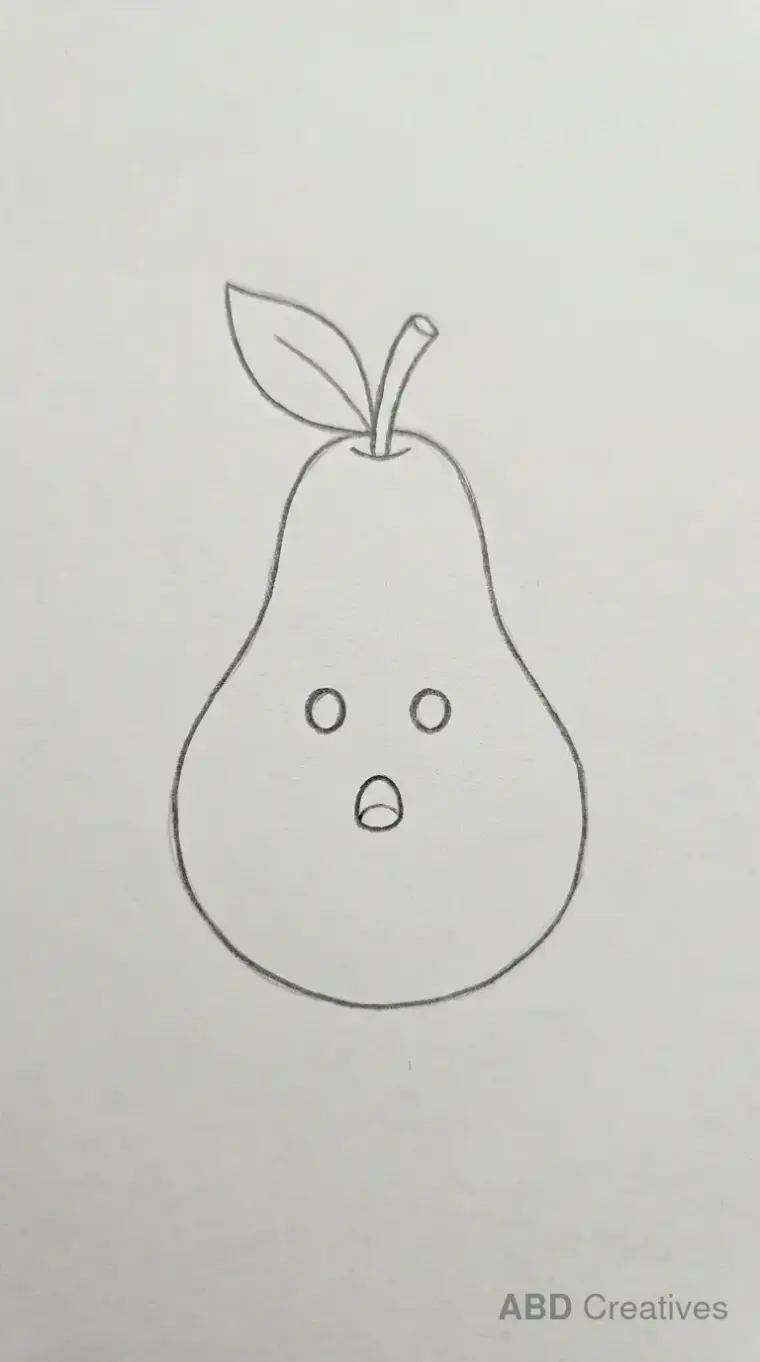
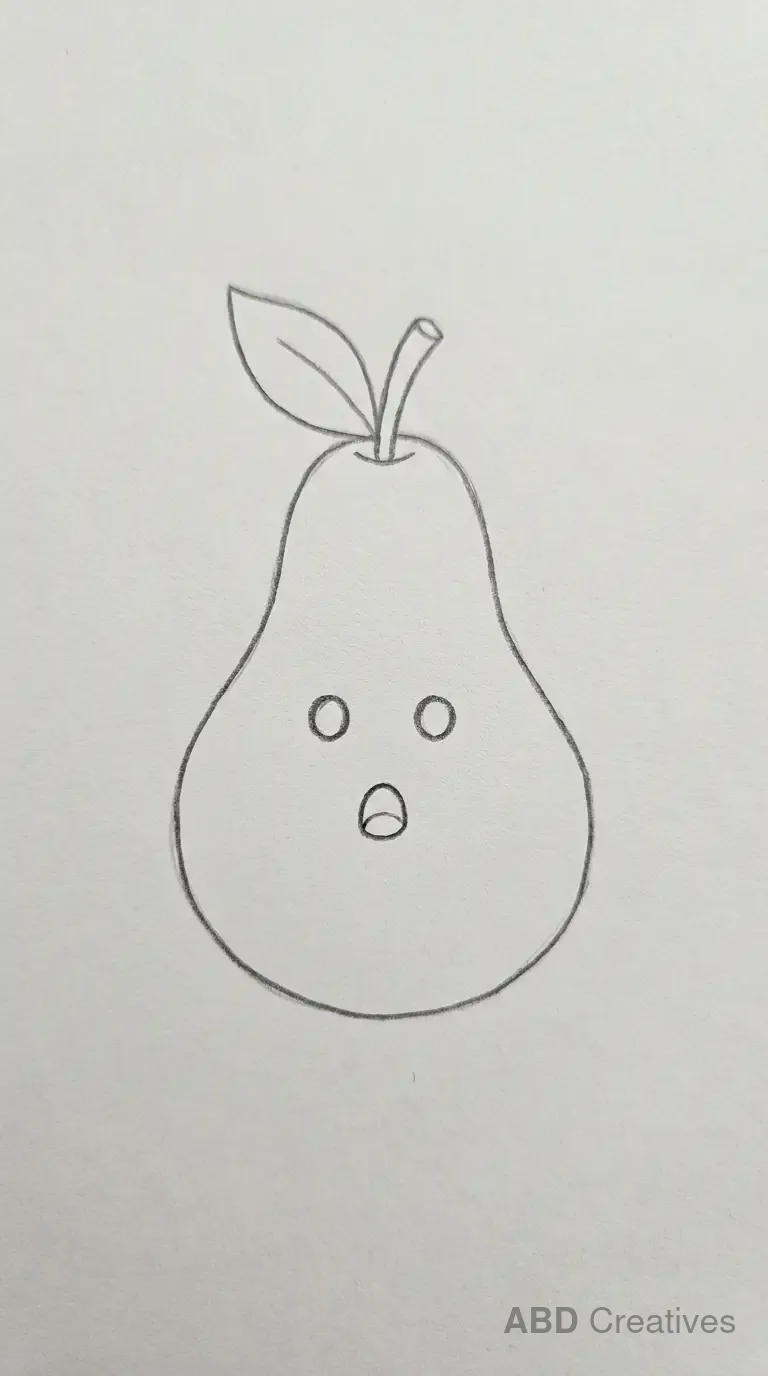
How to draw a pear step by step
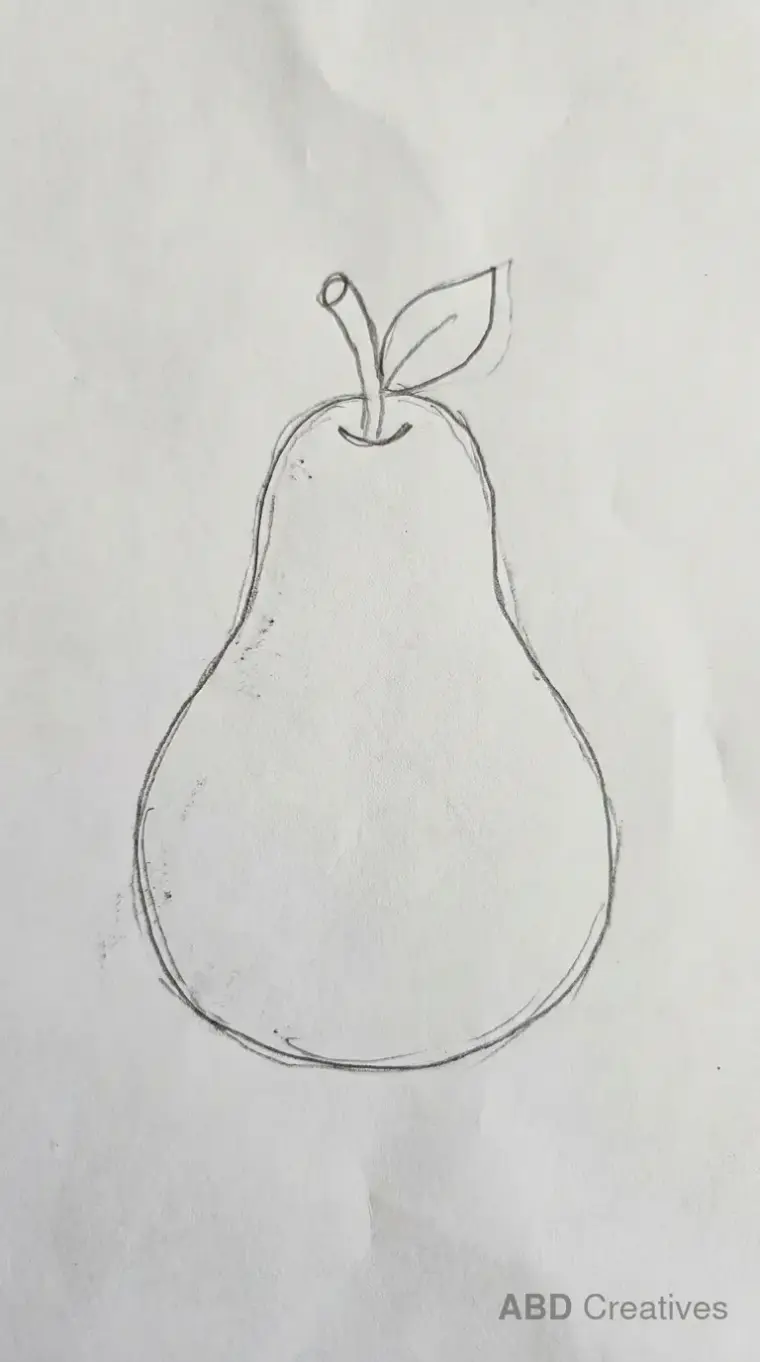
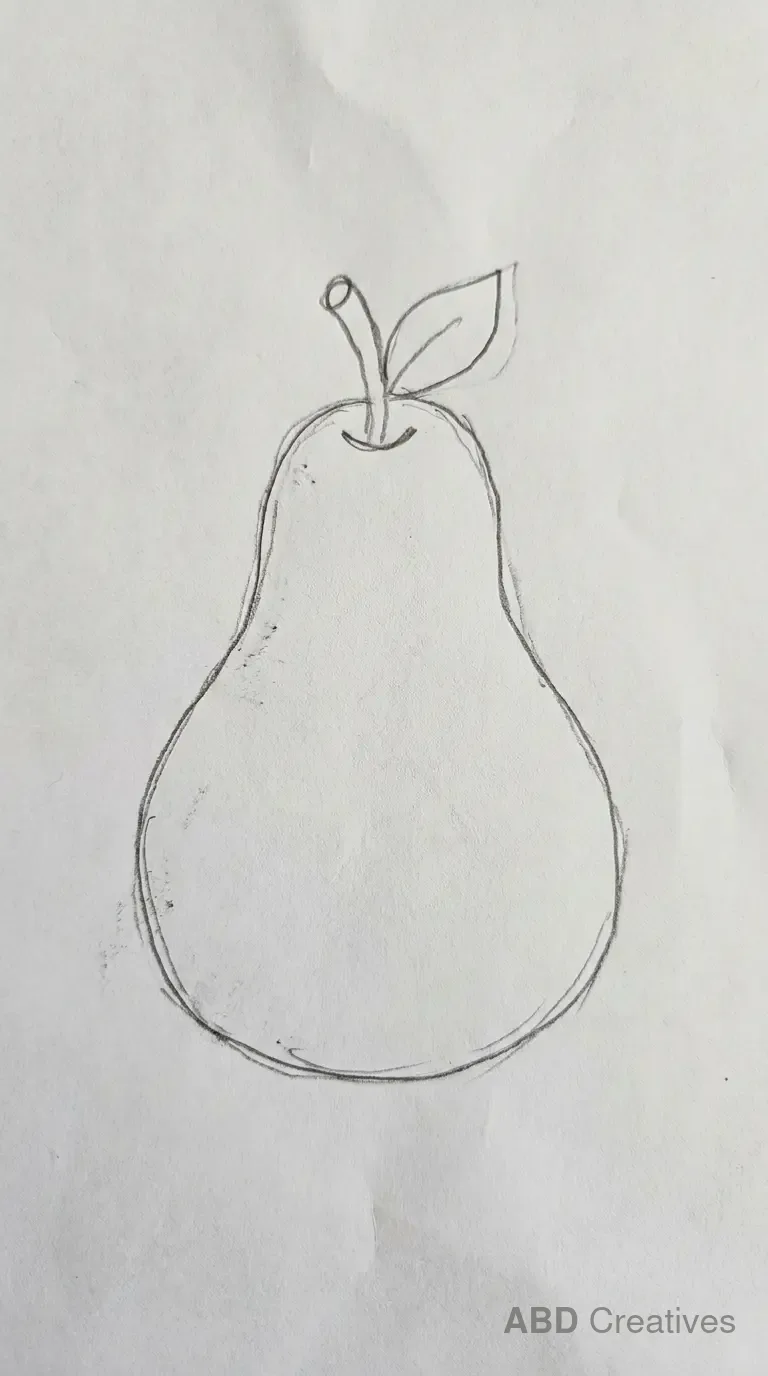
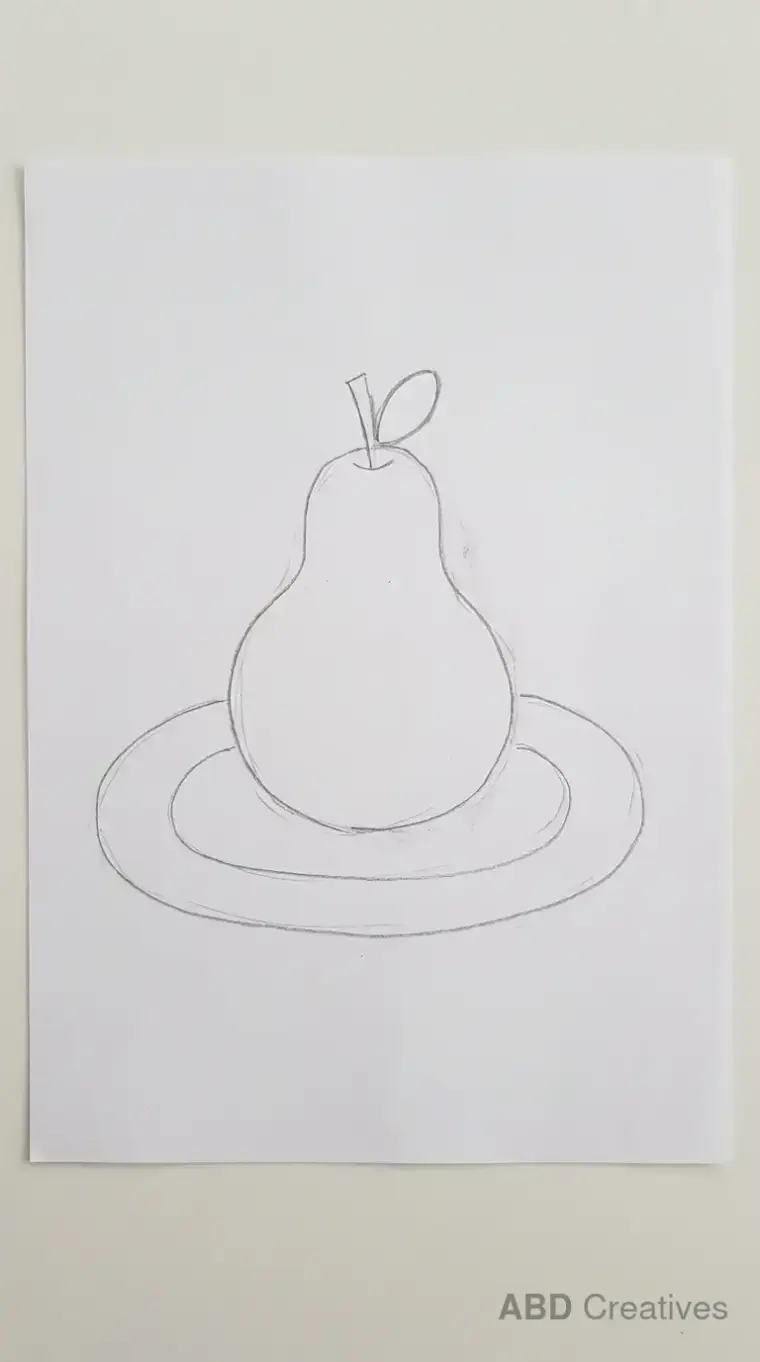
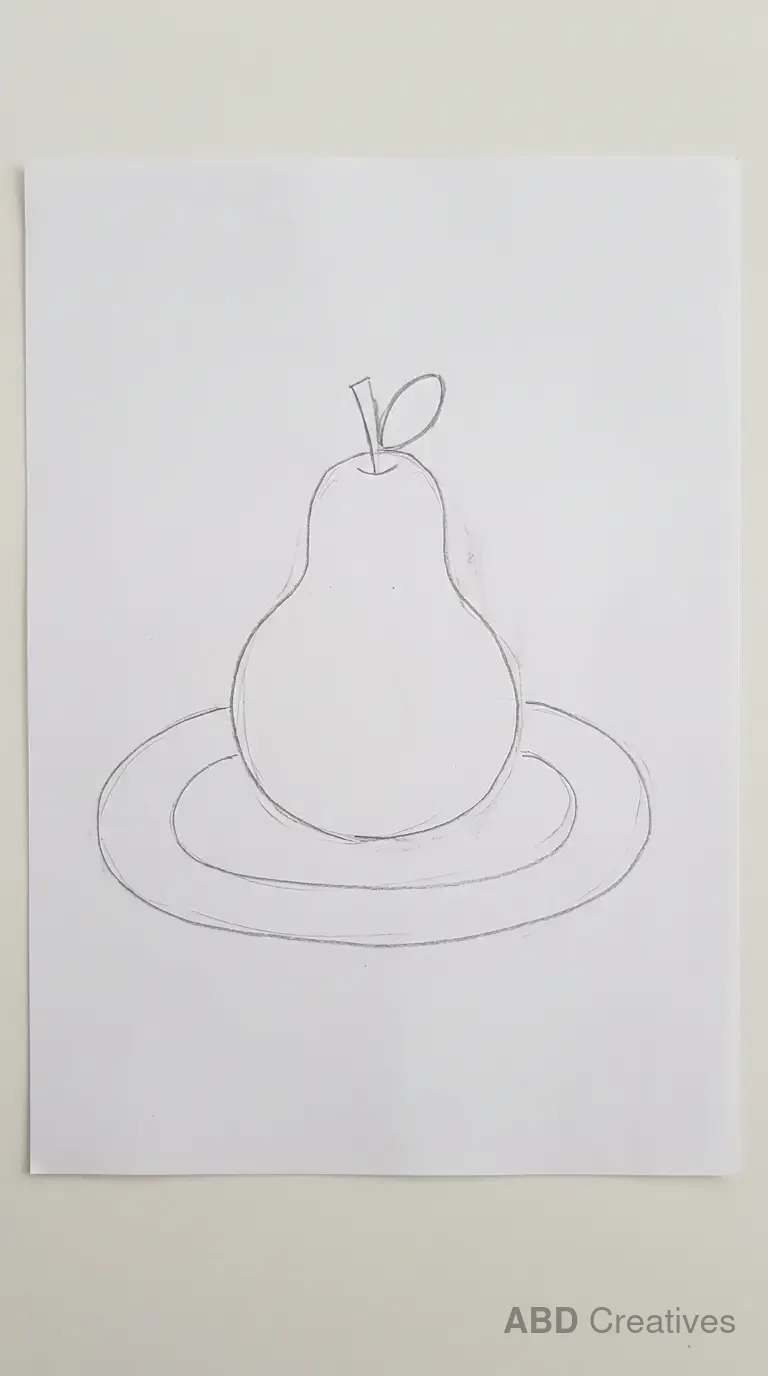
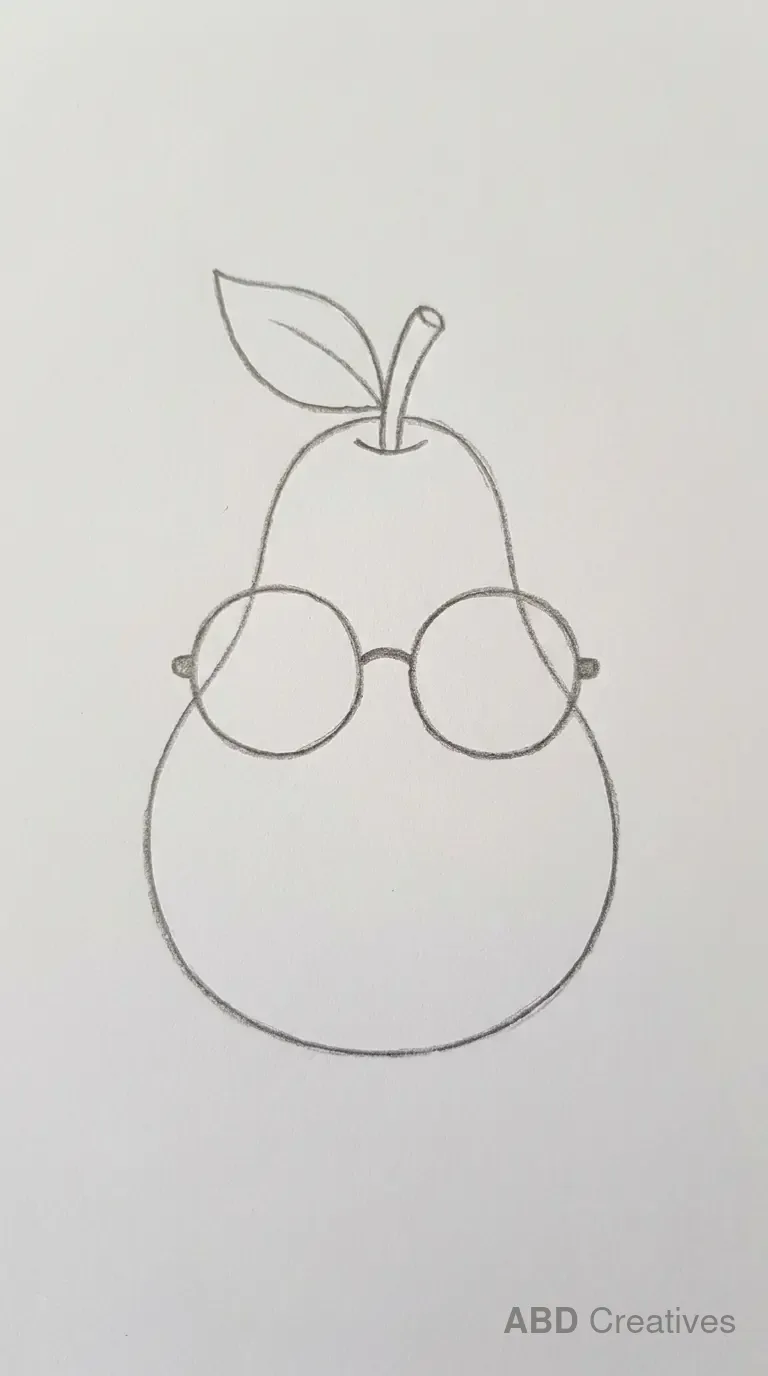
A pear is an easy fruit to draw once you know the trick, because the whole body is really two circles of different sizes, joined into one smooth outline.
- Draw a small circle for the top of the pear and a larger circle below it, slightly overlapping. Keep the lines light so you can adjust them.
- Join the two circles with smooth curved lines on each side, so the pear reads as one rounded shape rather than two separate circles.
- Add a short bent stem at the top.
- Add a small leaf beside the stem if you want a fuller top.
- Darken your final lines at the end and rub out the guide circles.
Which pear should you start with
If this is your first pear
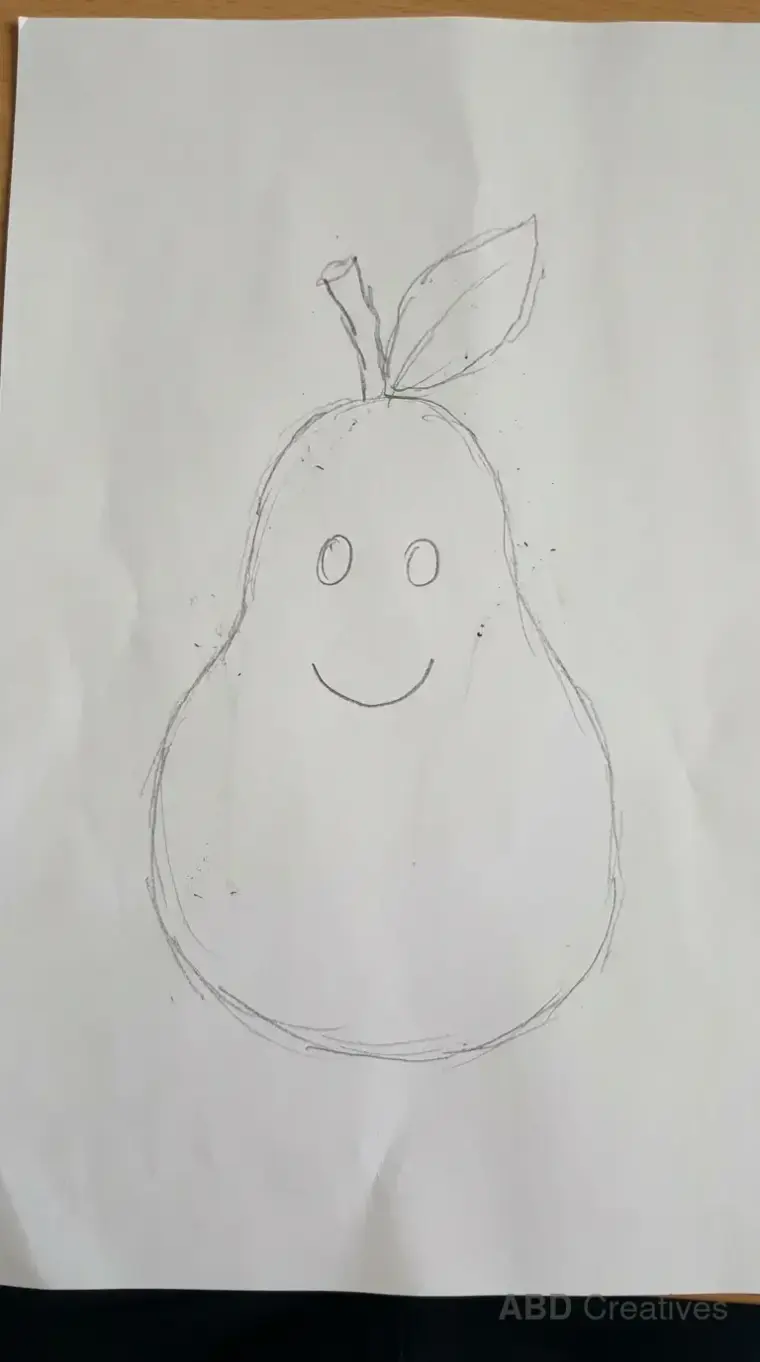
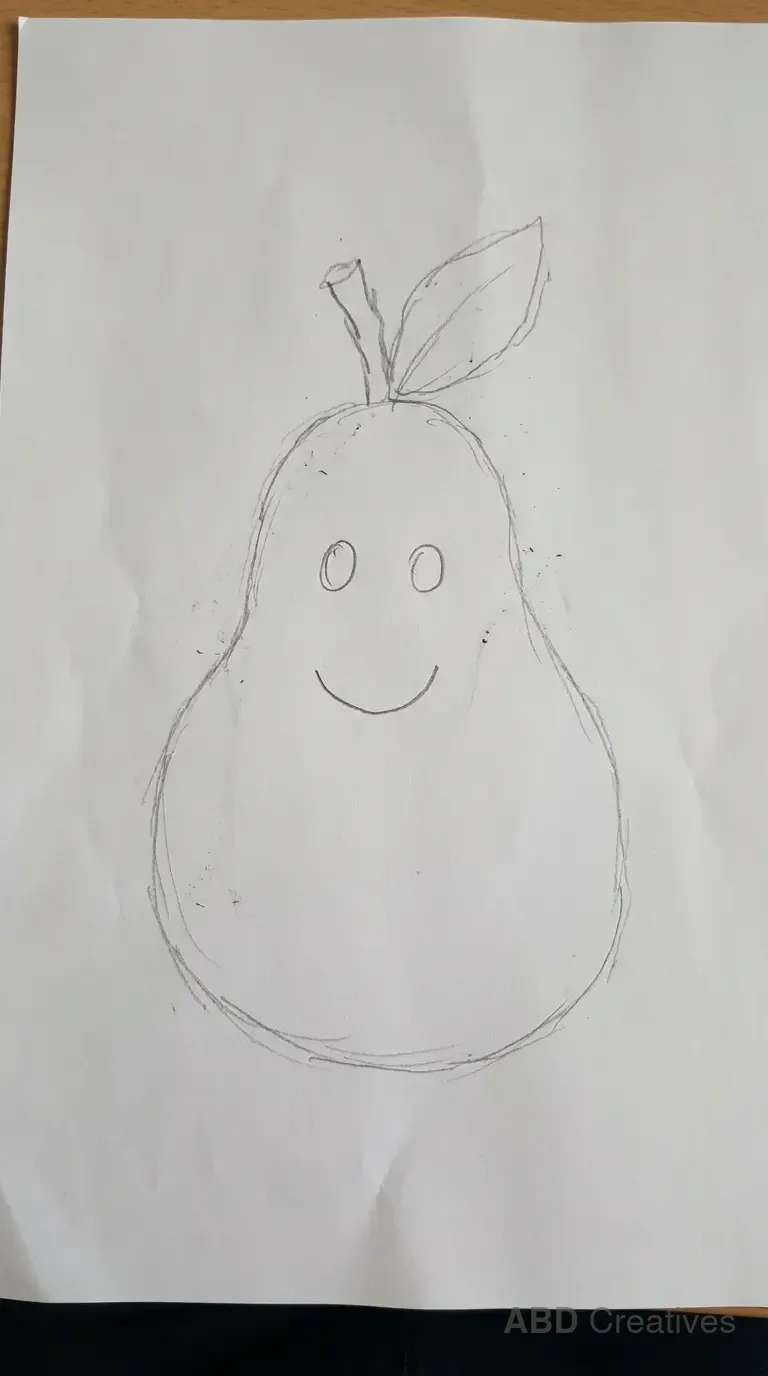
Start with the simple pear or the pear with a face. Both are one fruit on its own with nothing else on the page, so you are only thinking about the two-circle body shape.
If you have drawn fruit before
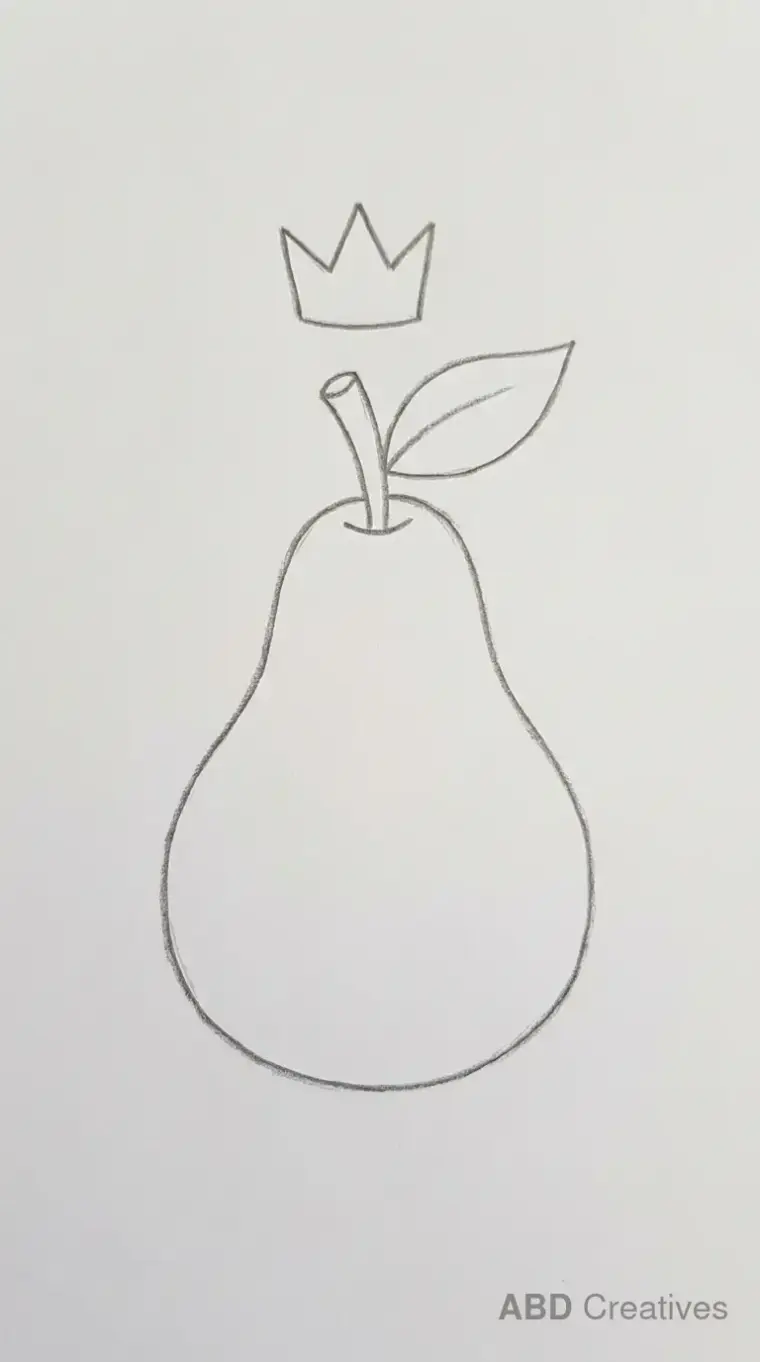
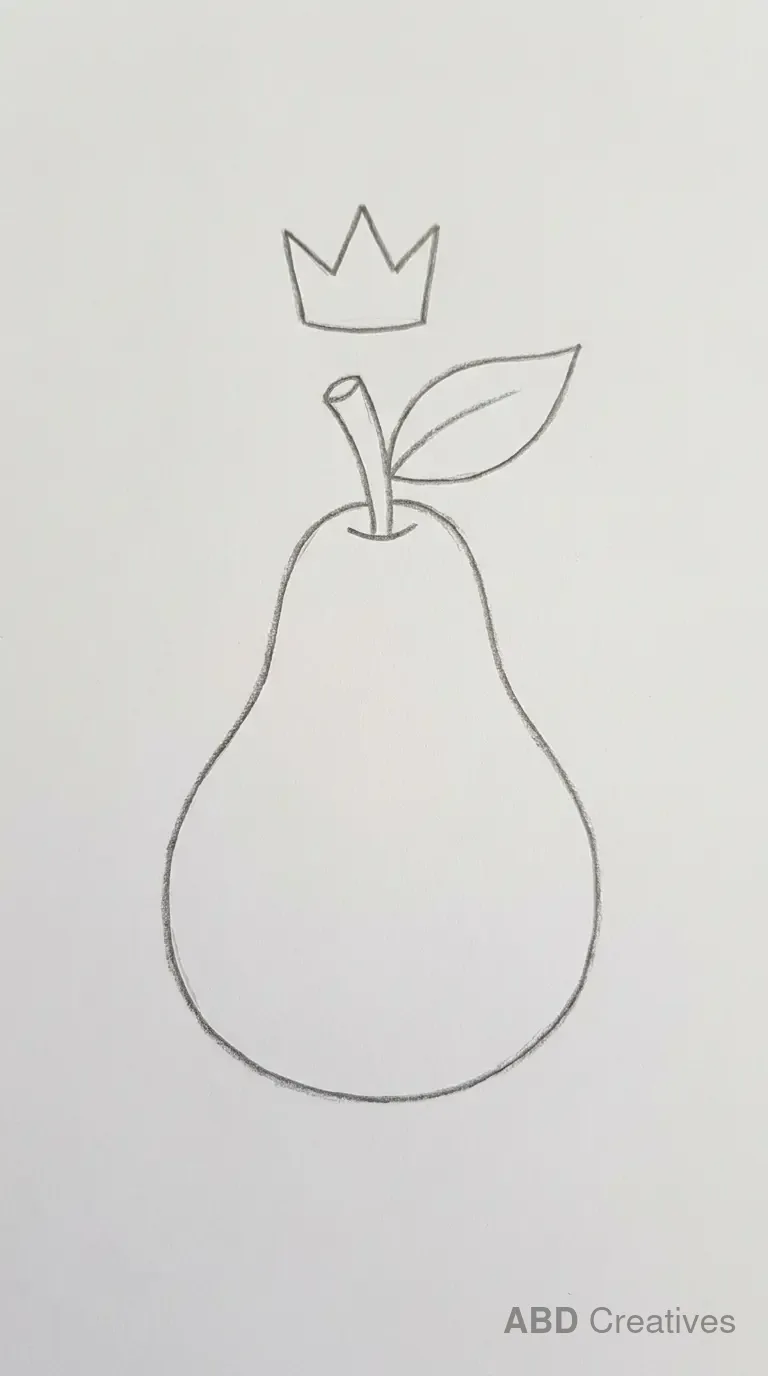
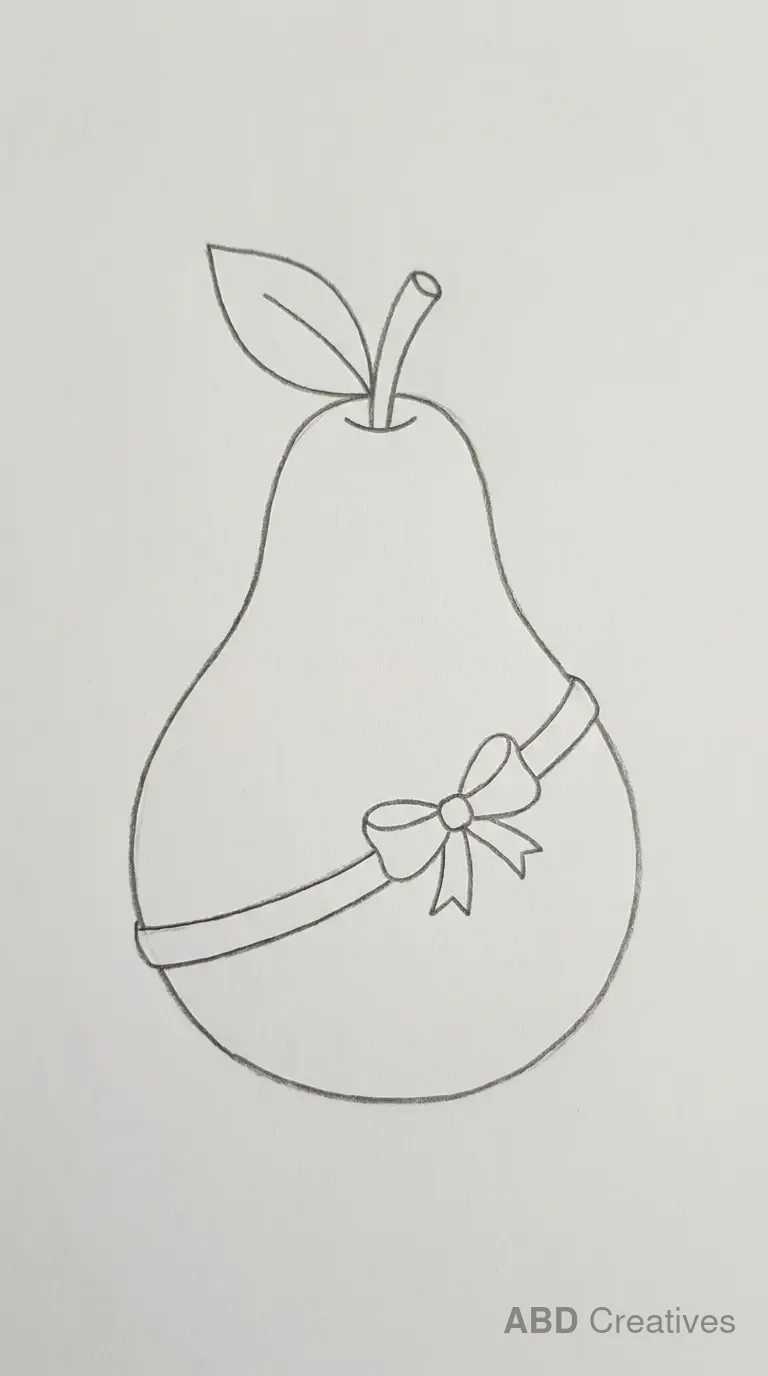
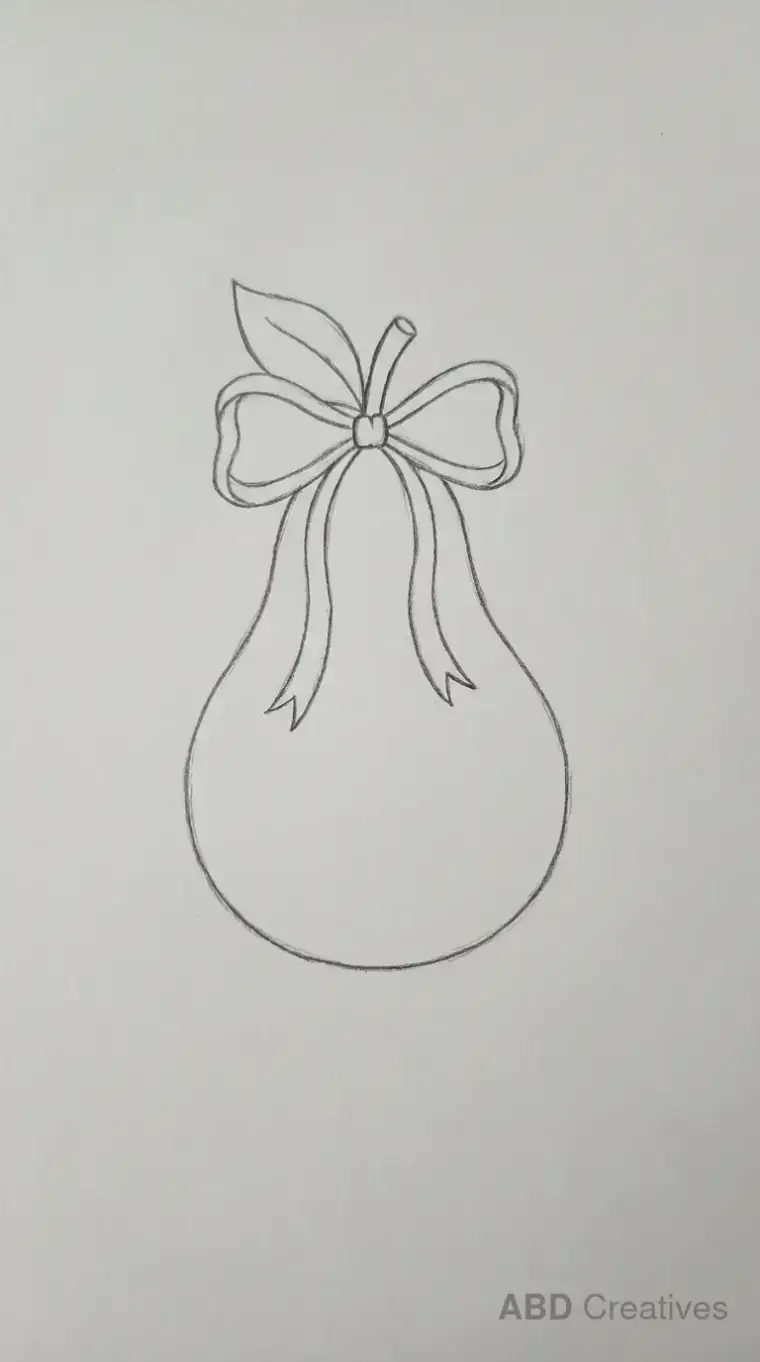
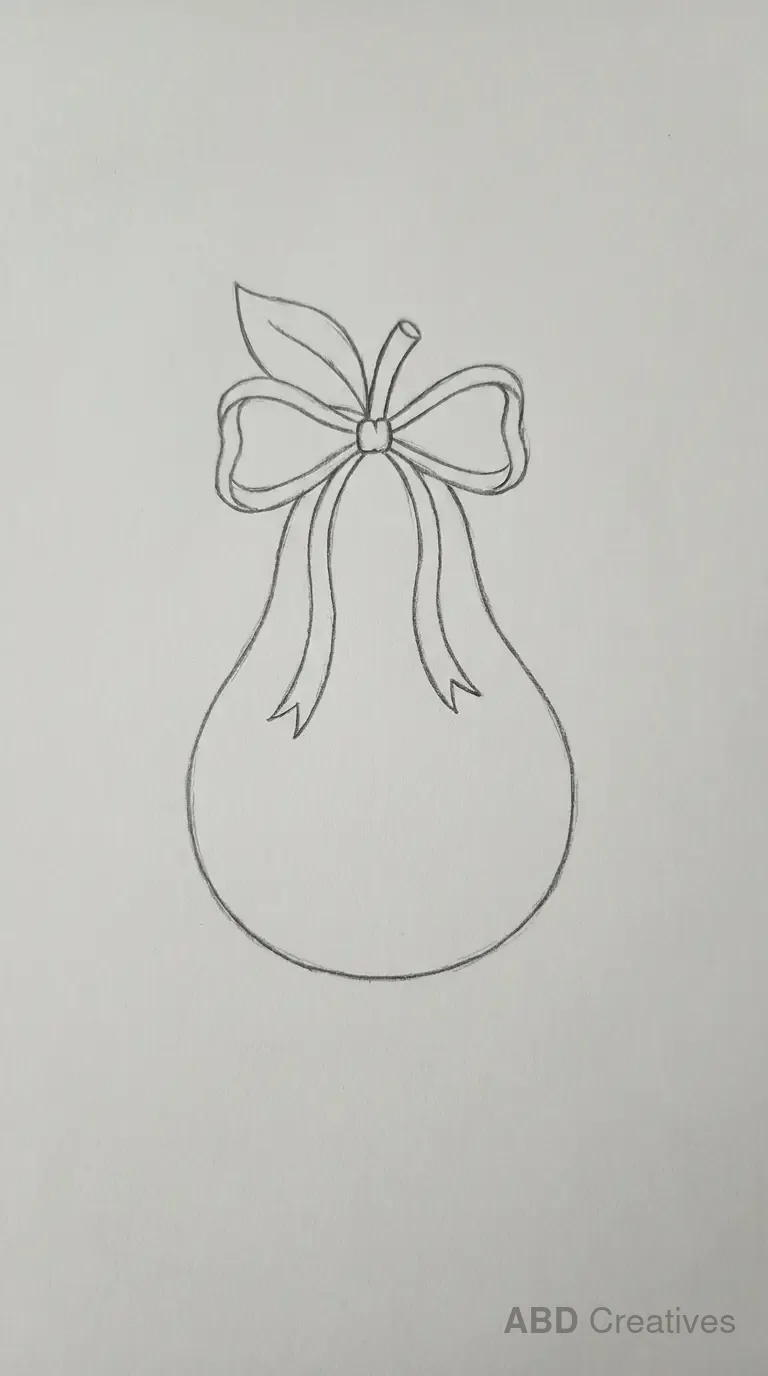
Try the pear with a bow, the pear with a small crown or the pear in a basket. The fruit stays simple and you are adding one small prop, which is a good way to make a drawing feel finished without much extra difficulty.
If you want a challenge
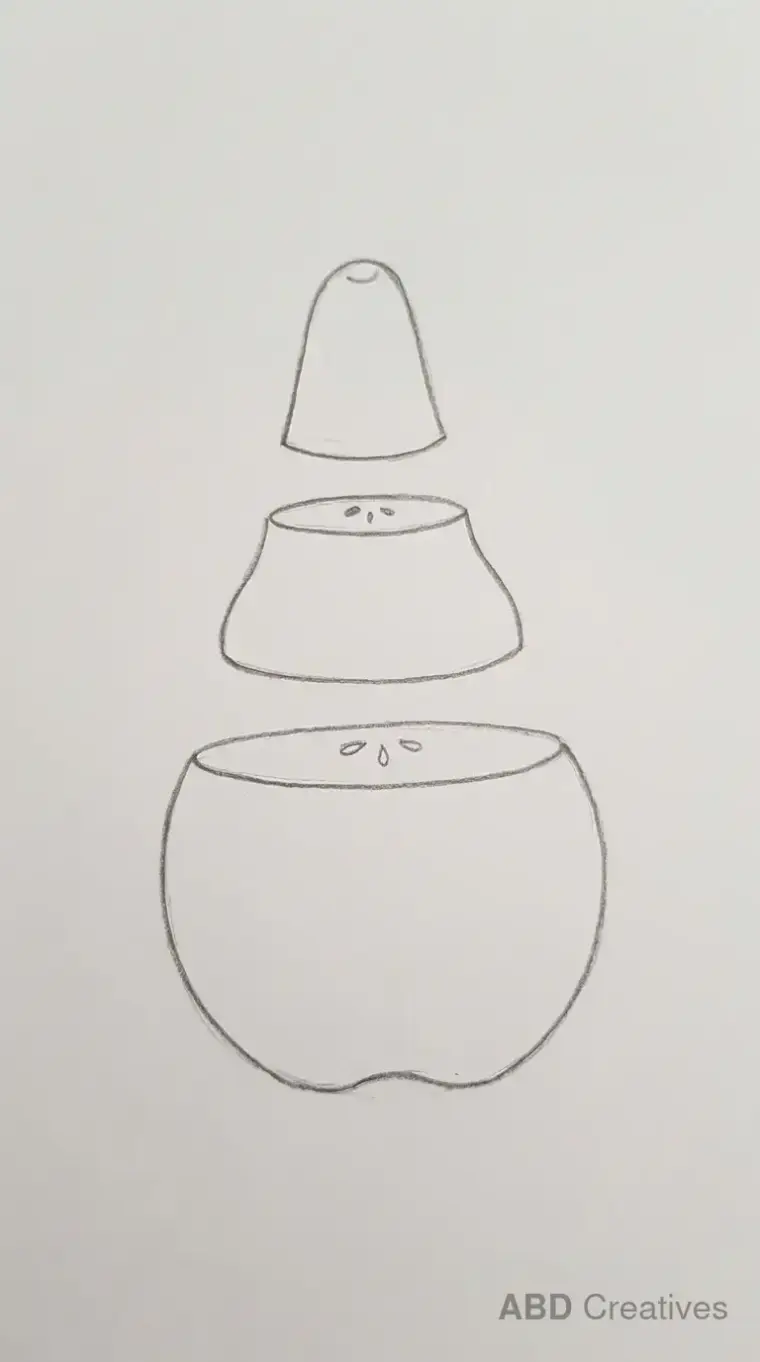
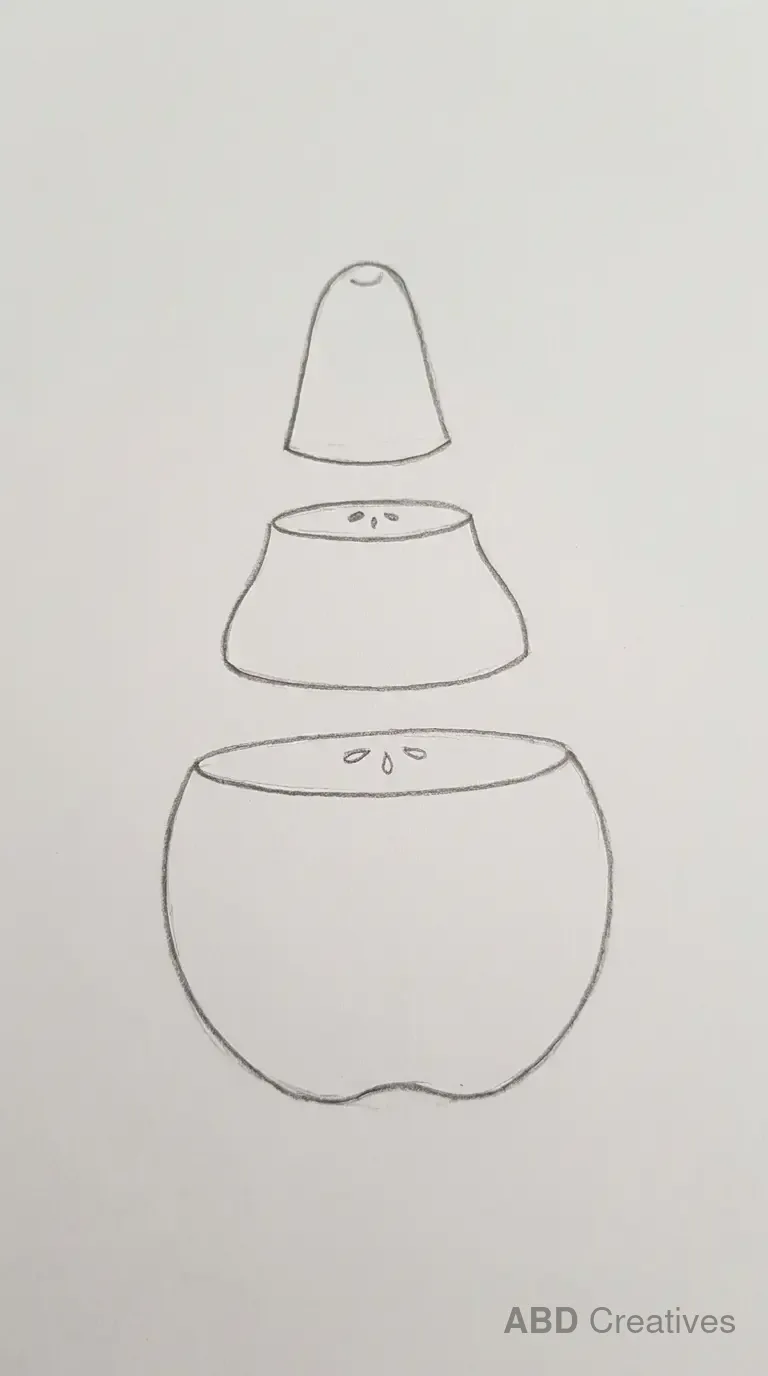
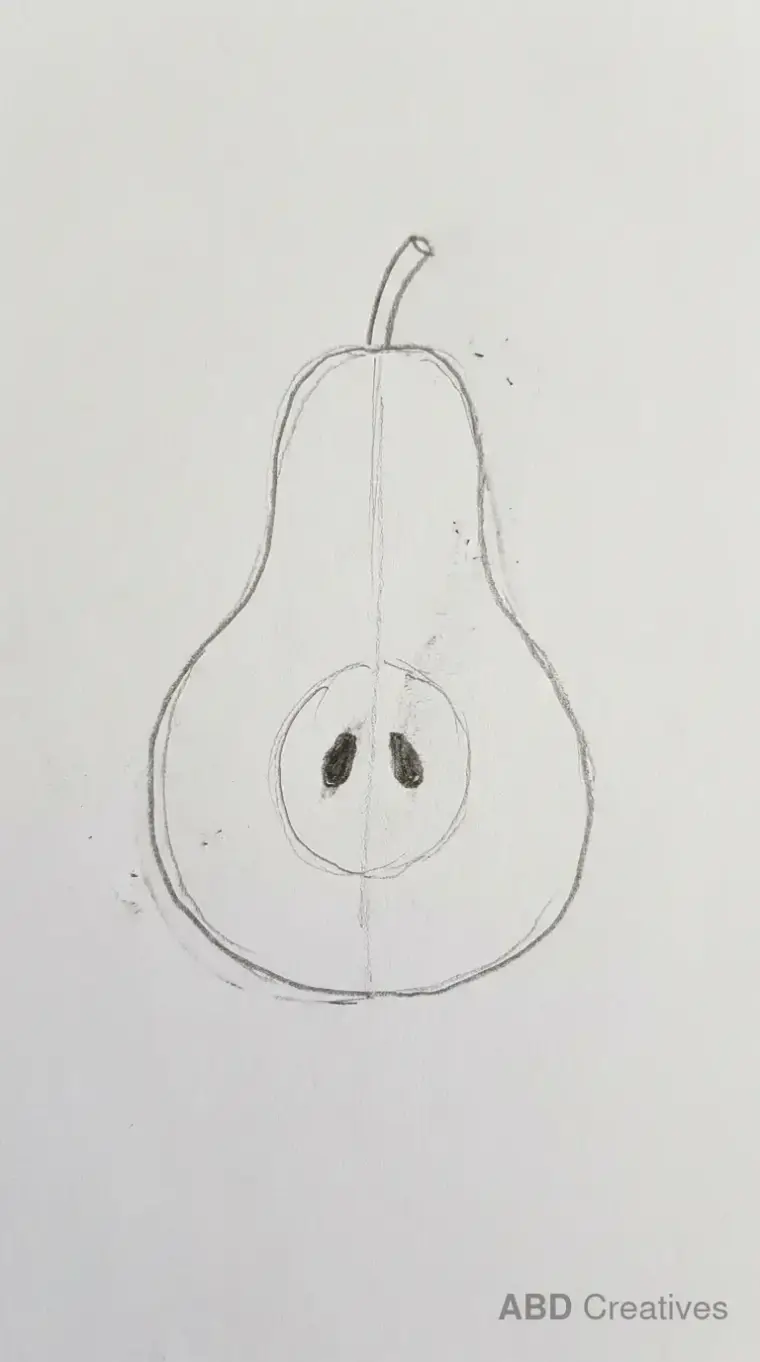
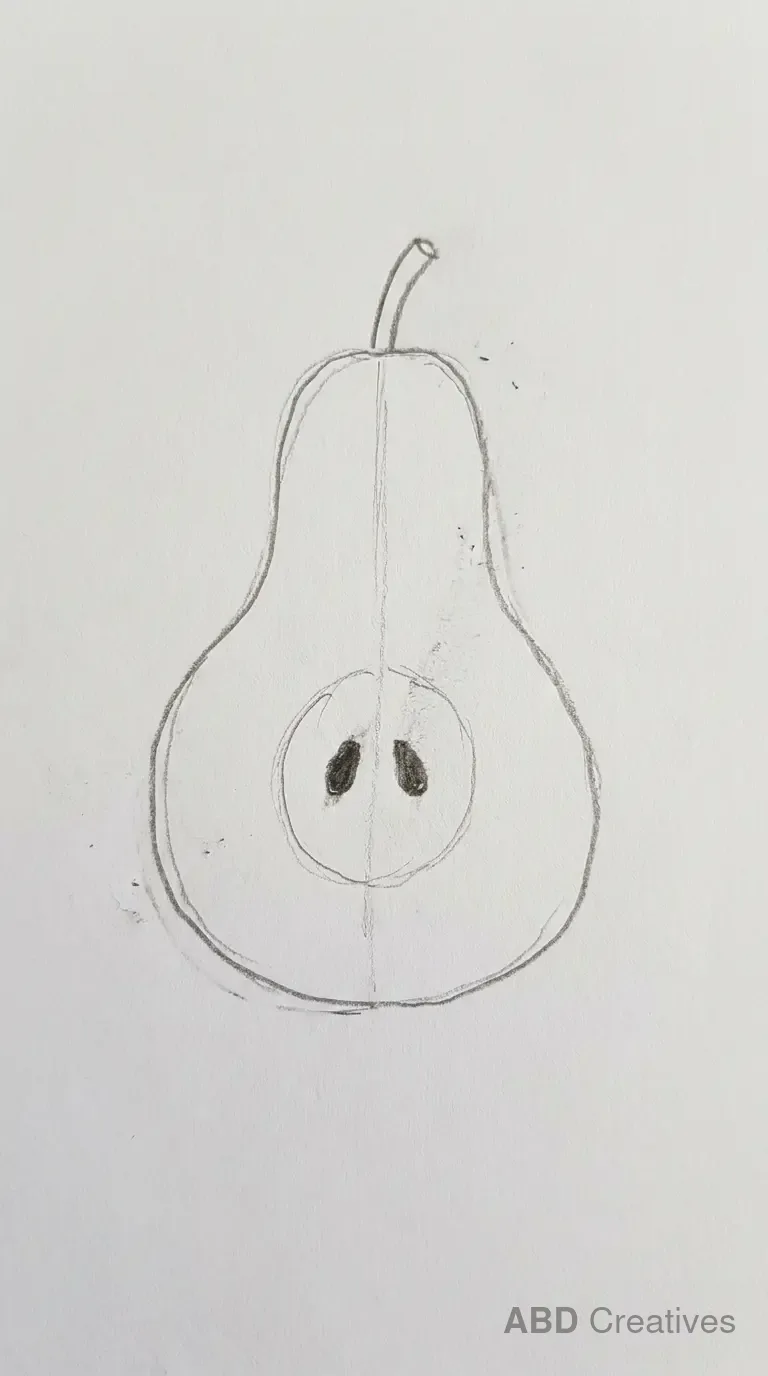
The sliced pear and the pear cut into pieces are the hardest here, because you have to draw the core and seed pattern inside the fruit as well as the outer shape. Draw the outline first in both, then add the inside details.
What you need
An HB pencil, plain paper and an eraser. A 2B pencil helps if you want darker final lines. Nothing on this page needs a tablet, a light box or special paper, and none of these were drawn with any.
Three things that make a pear look like a pear
- The body is too even. A pear is narrower at the top and wider at the bottom. Keep the top circle smaller than the bottom one.
- The join is too sharp. The line between the top and bottom of the pear should curve smoothly, not meet at a hard corner.
- The stem is too straight. A slightly bent stem looks more natural than a straight stick poking out the top.
Ways to use these drawings
Copy any of these by hand, or download and print them for yourself, for your children or for your classroom. They work as colouring sheets, tracing practice, a warm up before a bigger drawing, or line art for a card. The bow, the crown and the branch drawings all suit autumn themed cards. If you want to use one in something you sell, write to us first.
Questions people ask
What is the easiest pear drawing on this page?
The simple pear for beginners. It is one fruit on its own with a two-circle body and a short stem, and nothing else on the page.
Are these pear drawings free to download?
Yes. Every drawing here can be downloaded and printed for personal use, school use or classroom use at no cost. For commercial use, please contact us first.
Can young children draw these?
Most of them. The simple pear, the smiling pear and the pear with a face all suit children around five and up. The sliced pear and the pear cut into pieces suit older children and adults.
Why does my pear look like an apple?
Usually because the top and bottom are too even in size. A pear is narrower at the top and rounder at the bottom, unlike an apple which is closer to one even circle.
How do I draw a pear step by step?
Draw a small circle on top and a larger circle below it, join them with smooth curved lines, then add a bent stem and an optional leaf. Darken the final lines last.
How do I draw a sliced pear?
Draw the outer pear outline first, then a smaller curved shape inside for the core, with a few small seed marks near the centre.
What pencil should I use?
An HB for the light guide shapes and a 2B for the final lines. If you only have one pencil, an HB is fine. Press lightly at the start so the guides rub out cleanly.
Are these drawings made by hand?
Yes. Each one was drawn in pencil on plain paper and photographed. They are not computer generated or traced from photographs.